-
 Continue reading →: How to Use Acrobat Studio for Financial Reports
“Learn how to use Acrobat Studio for financial reports. Summarize, extract key metrics, and simplify financial data into clear reports and presentations.”
-
 Continue reading →: Do You Need Both Acrobat Studio and Adobe Express?
“Do you need both Acrobat Studio and Adobe Express? Learn when one tool is enough, when to combine them, and how they complement each other for documents and design.”
-
 Continue reading →: How to Create Accessible PDFs with Acrobat Studio
“Learn how to create accessible PDFs with Acrobat Studio. Use AI tools to simplify, summarize, and add accessibility features for inclusive documents.”
-
 Continue reading →: Acrobat Studio for Legal Teams: Smarter Case Management
“See how legal teams can use Acrobat Studio for smarter case management. Summarize case files, extract deadlines, redact sensitive info, and collaborate securely.”
-
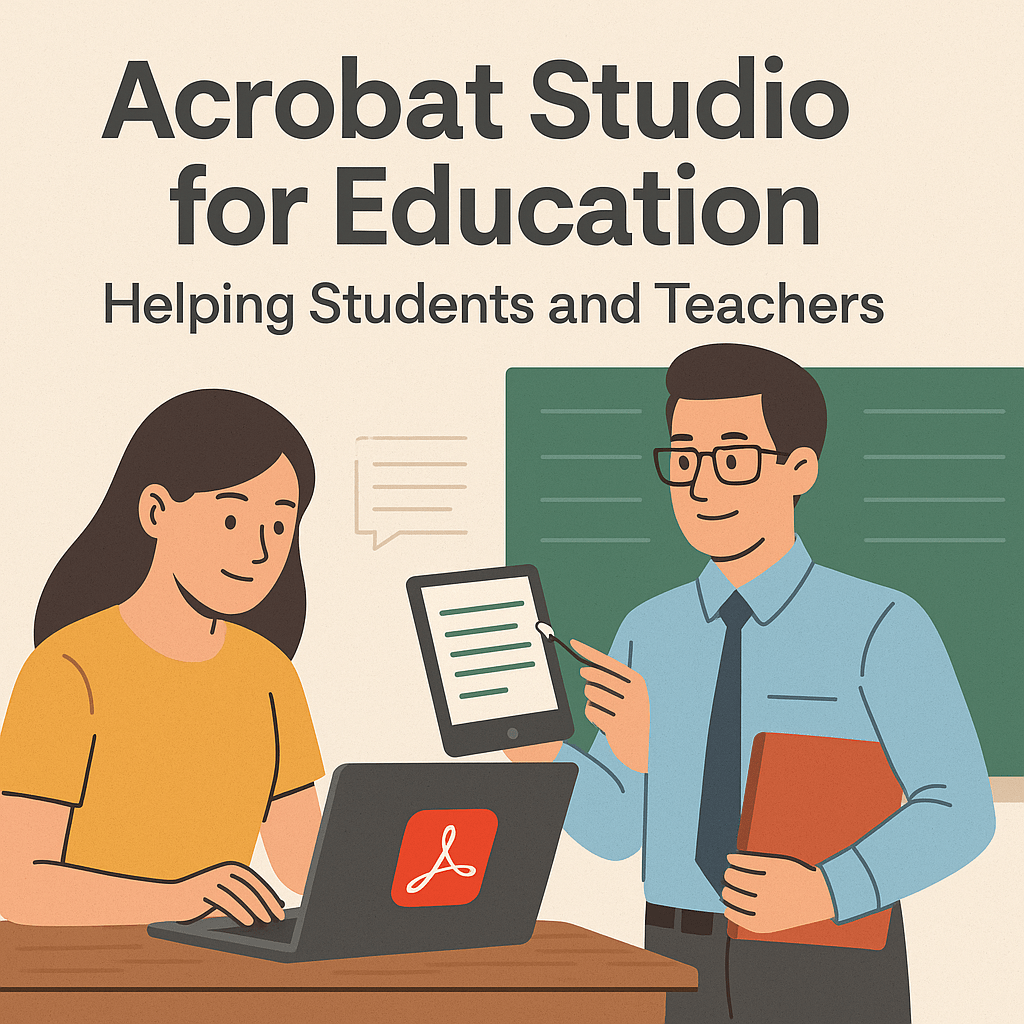 Continue reading →: Acrobat Studio for Education: Helping Students and Teachers
“Discover how Acrobat Studio helps students and teachers. Use AI tools to summarize, simplify, collaborate, and make education documents more accessible.”
-
 Continue reading →: Acrobat Studio for Marketing Teams: Creating Campaign Reports
“Learn how marketing teams can use Acrobat Studio to simplify campaign reports. Summarize data, extract insights, and create presentations with AI tools.”
-
 Continue reading →: How to Use Acrobat Studio for Meeting Notes
“Learn how to use Acrobat Studio for meeting notes. Summarize discussions, extract action items, and simplify documents for team alignment.”
-
 Continue reading →: How to Redact Sensitive Information in Acrobat Studio
“Learn how to redact sensitive information in Acrobat Studio. Use AI-powered tools to quickly find and remove private data for secure, shareable PDFs.”
-
 Continue reading →: How to Convert PDFs into PowerPoint with Acrobat Studio
“Learn how to convert PDFs into editable PowerPoint slides with Acrobat Studio. Save hours by turning reports into presentations with AI-powered tools.”
-
 Continue reading →: How to Convert PDFs into Excel with Acrobat Studio
“Learn how to convert PDFs into Excel with Acrobat Studio. Use AI-powered tools to extract tables, rows, and data accurately for seamless analysis.”
Hello,
I’m Maria

Welcome to Acrobat Studio Professionals, a dedicated space for exploring everything about Adobe Acrobat Studio. Here, you’ll find insights, guides, and resources designed to help you unlock creativity, improve productivity, and make the most of Adobe’s powerful PDF tools.
Let’s connect
Join the fun!
Stay updated with our latest tutorials and ideas by joining our newsletter.




 Acrobat Studio Pro