-
 Continue reading →: Acrobat Studio for Nonprofits: Simplifying Grant Applications
“See how nonprofits can use Acrobat Studio to simplify grant applications. Create summaries, donor-friendly reports, and track action items with AI.”
-
 Continue reading →: Best Practices for Collaboration in Acrobat Studio
“Learn best practices for collaboration in Acrobat Studio. Use secure links, AI-powered summaries, and real-time comments to make teamwork more effective.”
-
 Continue reading →: How to Use Acrobat Studio for Secure Document Sharing
Adobe Acrobat Studio, Acrobat Studio secure sharing, share PDFs, Acrobat Studio collaboration, document security, Acrobat Studio AI, PDF productivity
-
 Continue reading →: How to Use Acrobat Studio for Team Projects
“Learn how to use Acrobat Studio for team projects. Share securely, collaborate in real time, and use AI tools to streamline teamwork across devices.”
-
 Continue reading →: Acrobat Studio Tips Every Power User Should Know
“Unlock Acrobat Studio’s full potential with pro tips for power users. Learn AI prompt tricks, shortcuts, and hidden tools to work faster and smarter.”
-
 Continue reading →: How to Edit Text and Images in Acrobat Studio
“Learn how to edit text and images in Acrobat Studio. Step-by-step guide to making changes in PDFs with AI-powered tools for students, businesses, and nonprofits.”
-
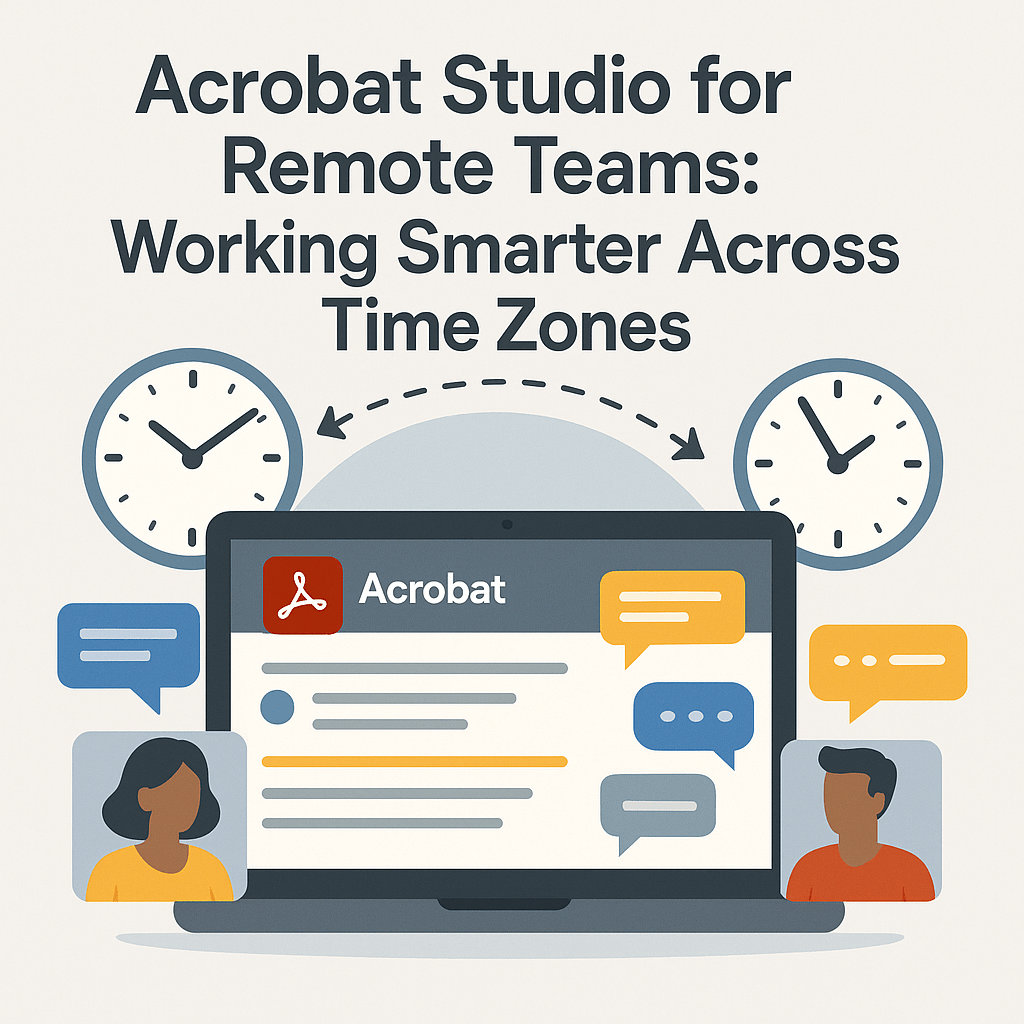 Continue reading →: Acrobat Studio for Remote Teams: Working Smarter Across Time Zones
“See how Acrobat Studio helps remote teams work smarter across time zones. Use AI tools, secure sharing, and real-time collaboration to stay connected.”
-
 Continue reading →: How to Use Acrobat Studio for Project Management Documents
“Learn how to use Acrobat Studio for project management. Summarize plans, track deadlines, simplify reports, and collaborate on documents with AI tools.”
-
 Continue reading →: How to Use Acrobat Studio for Compliance and Security
“Learn how to use Acrobat Studio for compliance and security. Redact sensitive data, control access, and monitor documents to stay compliant with ease.”
-
 Continue reading →: Acrobat Studio for Collaboration: Share and Comment Smarter
“Collaborate smarter with Acrobat Studio. Learn how to share PDFs, comment in real time, and track action items seamlessly across devices.”
Hello,
I’m Maria

Welcome to Acrobat Studio Professionals, a dedicated space for exploring everything about Adobe Acrobat Studio. Here, you’ll find insights, guides, and resources designed to help you unlock creativity, improve productivity, and make the most of Adobe’s powerful PDF tools.
Let’s connect
Join the fun!
Stay updated with our latest tutorials and ideas by joining our newsletter.




 Acrobat Studio Pro