-
 Continue reading →: Turning Contracts into Action Items with Acrobat Studio
Stop struggling with long contracts. Acrobat Studio uses AI to extract deadlines, summarize obligations, and create clear action items directly from your agreements.
-
 Continue reading →: Is Acrobat Studio Free?
When considering a new productivity tool, one of the first questions users ask is: “Is it free?” Acrobat Studio, Adobe’s next-generation platform for working with PDFs and AI-powered document collaboration, is no exception. Let’s break down what you can expect in terms of cost, availability, and free options. 1. Acrobat…
-
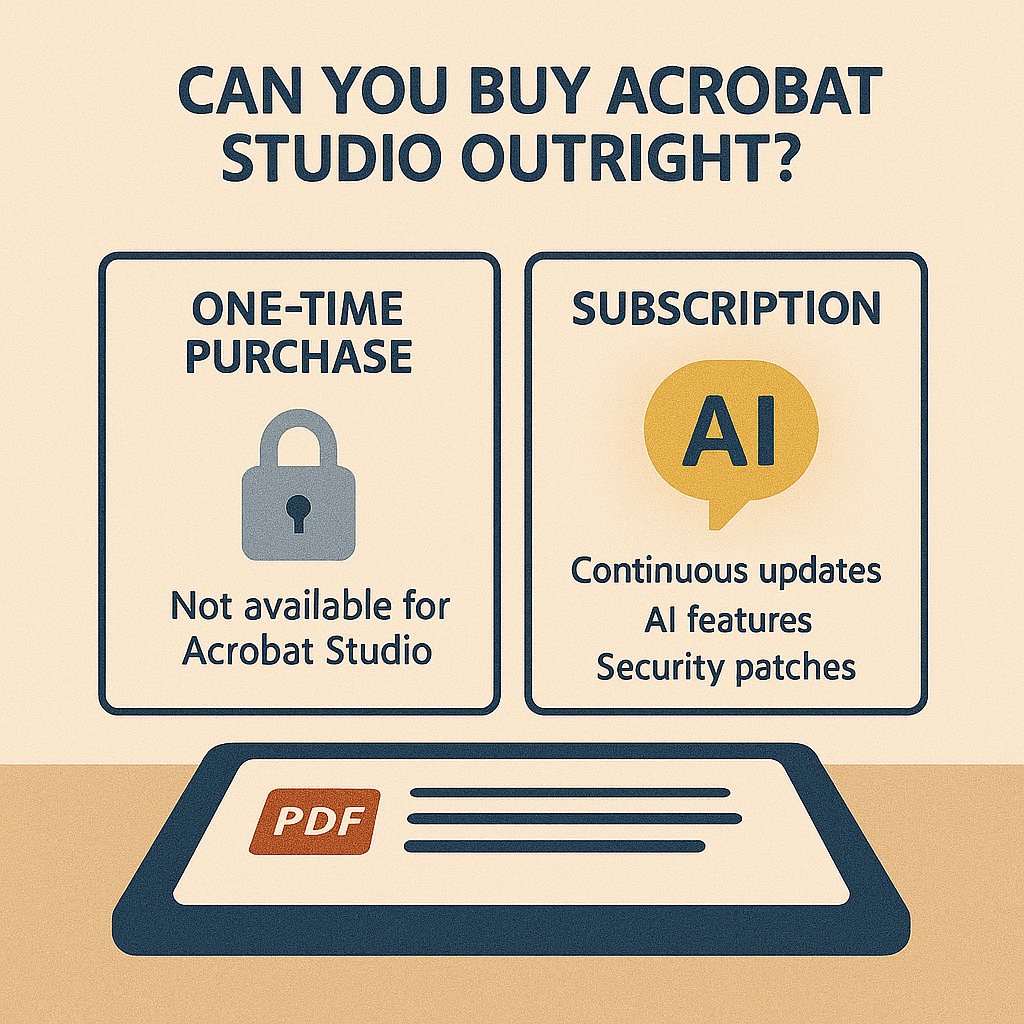 Continue reading →: Can You Buy Adobe Acrobat Studio Outright?
Wondering if you can buy Acrobat Studio as a one-time purchase? You can’t—it’s subscription-only. Here’s why Adobe moved to this model and what it means for you.
-
 Continue reading →: Is Acrobat Studio Hard to Learn?
Is Acrobat Studio difficult to learn? Not at all—its AI assistant, streamlined interface, and guided tools make it easier than ever, even for beginners.
-
 Continue reading →: Can I Use Acrobat Studio on an iPad?
Wondering if Acrobat Studio works on iPad? Yes—it offers AI-powered PDF summarization, annotations, and collaboration on mobile, with nearly all desktop features.
-
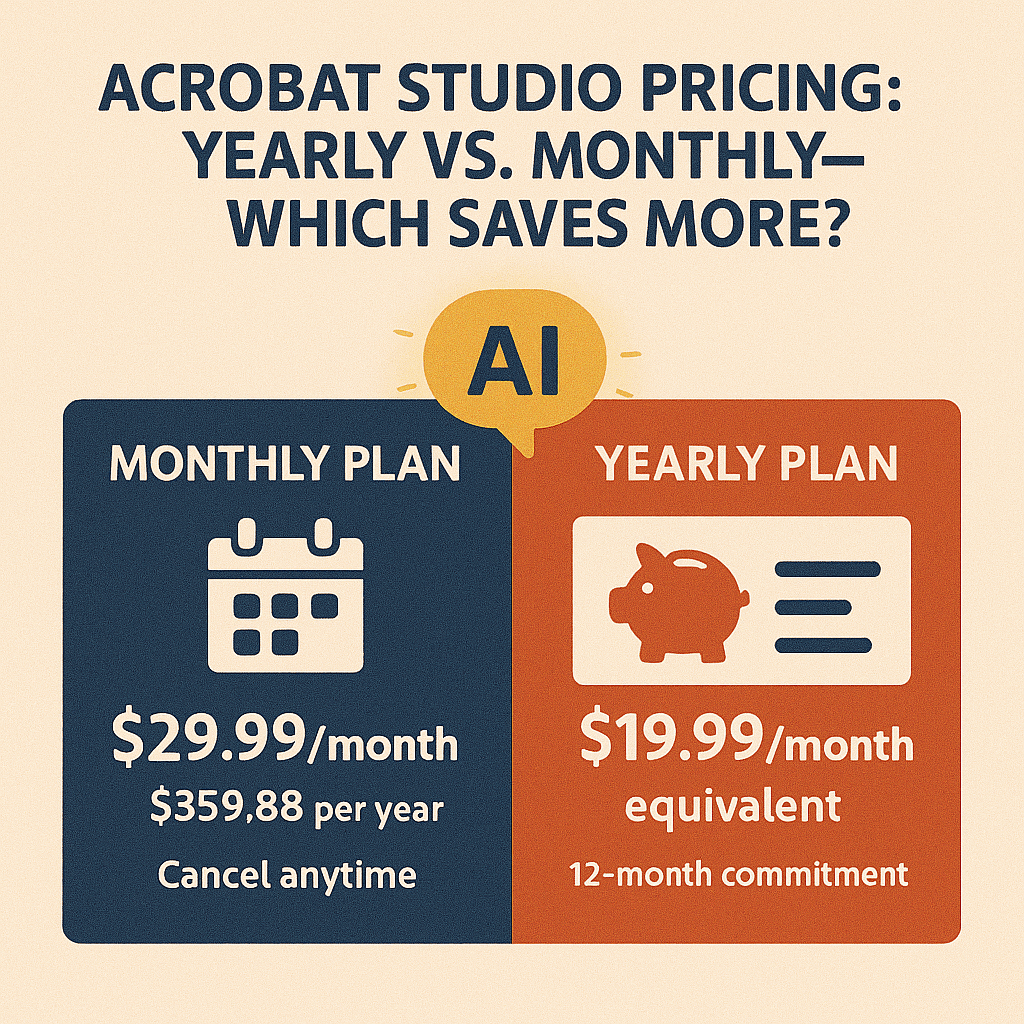 Continue reading →: Acrobat Studio Pricing: Yearly vs. Monthly—Which Plan Saves More?
Should you pay monthly or yearly for Acrobat Studio? The yearly plan saves around $120 annually, but monthly offers flexibility. Here’s how to choose.
-
 Continue reading →: Acrobat Studio vs. Traditional Acrobat Pro: What’s Different?
What makes Acrobat Studio different from Acrobat Pro? While Pro handles editing and security, Acrobat Studio adds AI-powered summaries, collaboration, and smarter workflows.
-
 Continue reading →: Can Acrobat Studio Replace Evernote for Students?
Evernote is popular for notes, but Acrobat Studio offers AI summaries, simplified texts, and PDF collaboration—making it a strong alternative for students.
-
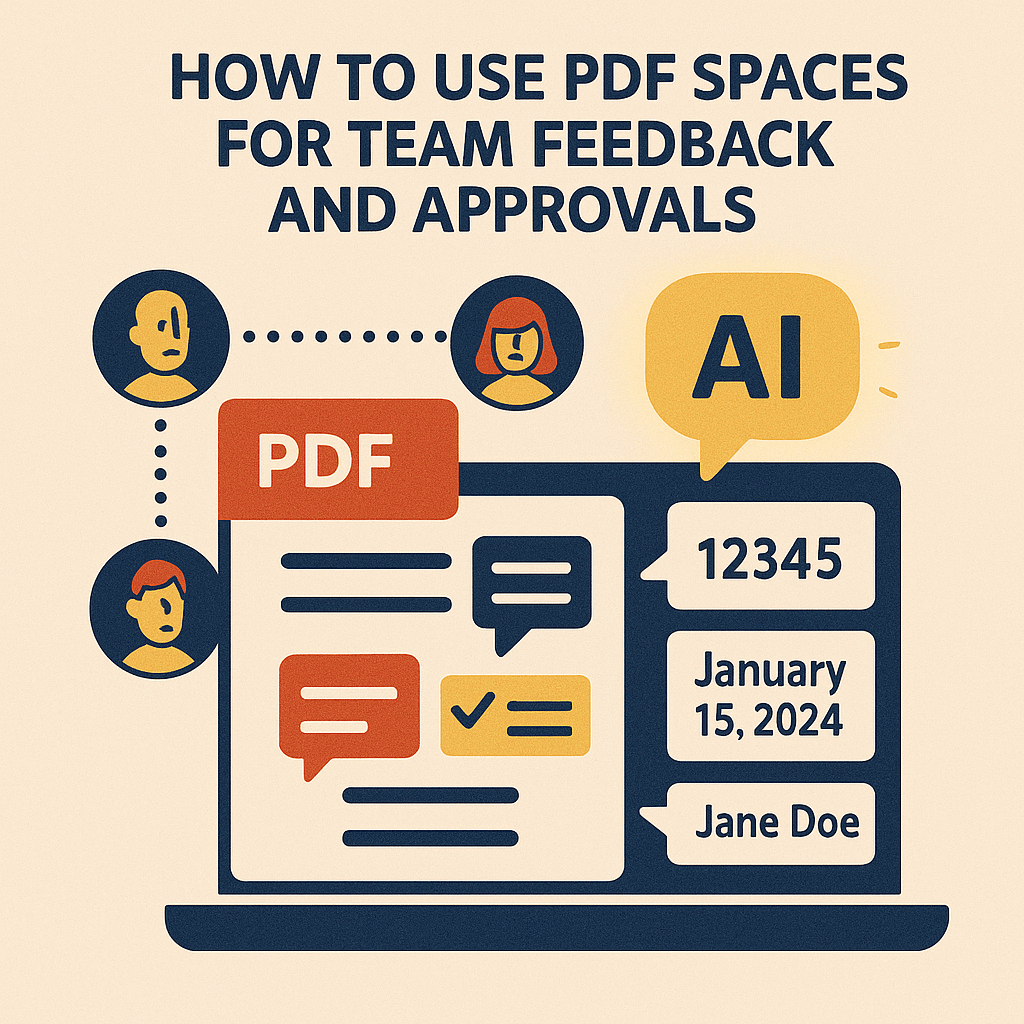 Continue reading →: How to Use PDF Spaces for Team Feedback and Approvals
Managing feedback on documents can be a nightmare. One person leaves comments in email, another makes edits in Word, and someone else shares a completely different PDF version. The result? Confusion, wasted time, and missed deadlines. With Adobe Acrobat Studio’s PDF Spaces, collaboration is centralized. Instead of juggling endless versions,…
-
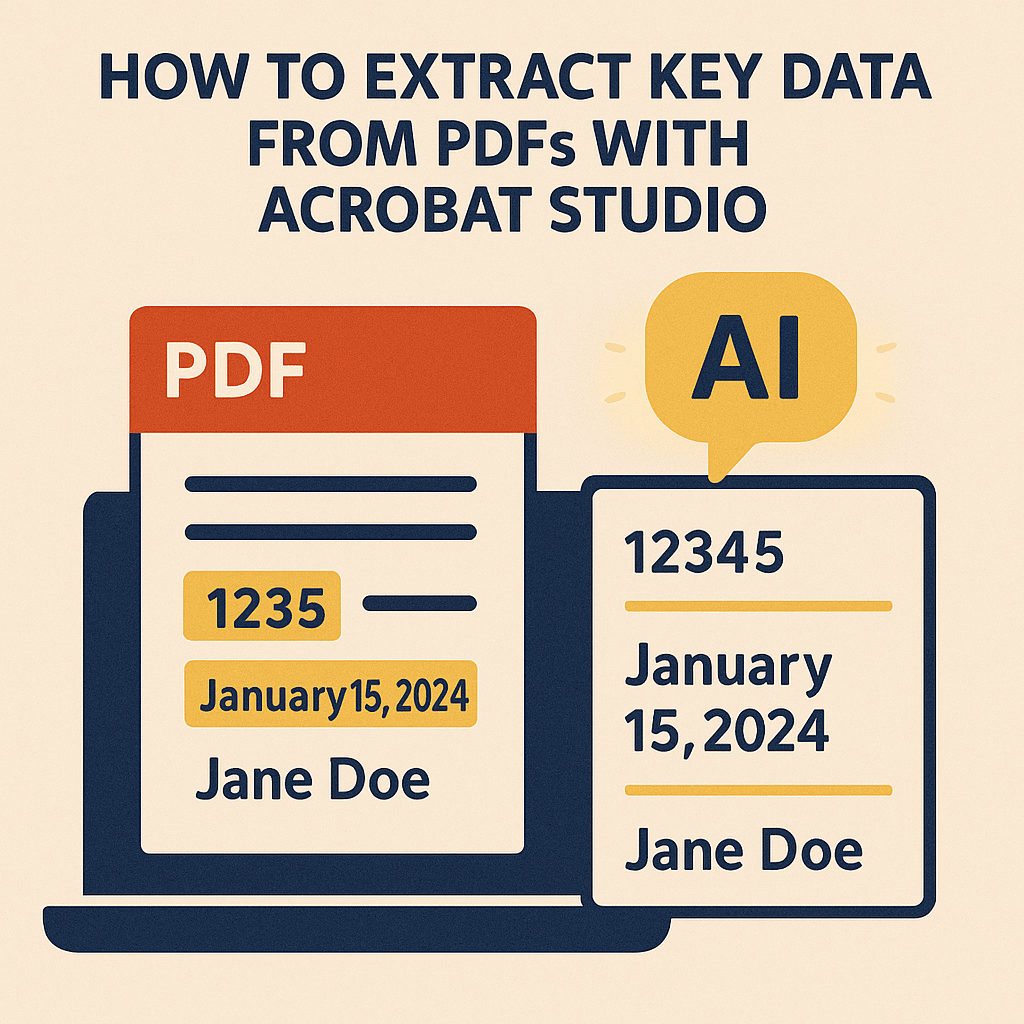 Continue reading →: How to Extract Key Data from PDFs with Acrobat Studio
Stop scrolling endlessly. Acrobat Studio uses AI to extract key data—like dates, names, and figures—from PDFs instantly, turning complex files into actionable insights.
Hello,
I’m Maria

Welcome to Acrobat Studio Professionals, a dedicated space for exploring everything about Adobe Acrobat Studio. Here, you’ll find insights, guides, and resources designed to help you unlock creativity, improve productivity, and make the most of Adobe’s powerful PDF tools.
Let’s connect
Join the fun!
Stay updated with our latest tutorials and ideas by joining our newsletter.




 Acrobat Studio Pro