-
 Continue reading →: Creating Study Guides with Acrobat Studio AI
Overwhelmed by textbooks and lecture notes? Acrobat Studio uses AI to turn PDFs into simplified, organized study guides—perfect for exams and faster learning.
-
 Continue reading →: Acrobat Studio vs. Microsoft Word: When to Use Each
Microsoft Word is great for drafting, but Acrobat Studio makes final documents secure, collaborative, and intelligent—bringing AI-powered features to your PDFs.
-
 Continue reading →: Improving Onboarding with Acrobat Studio Document Tools
Onboarding shouldn’t overwhelm new hires. Acrobat Studio makes onboarding documents smarter with AI summaries, simplified text, and collaborative features for HR teams.
-
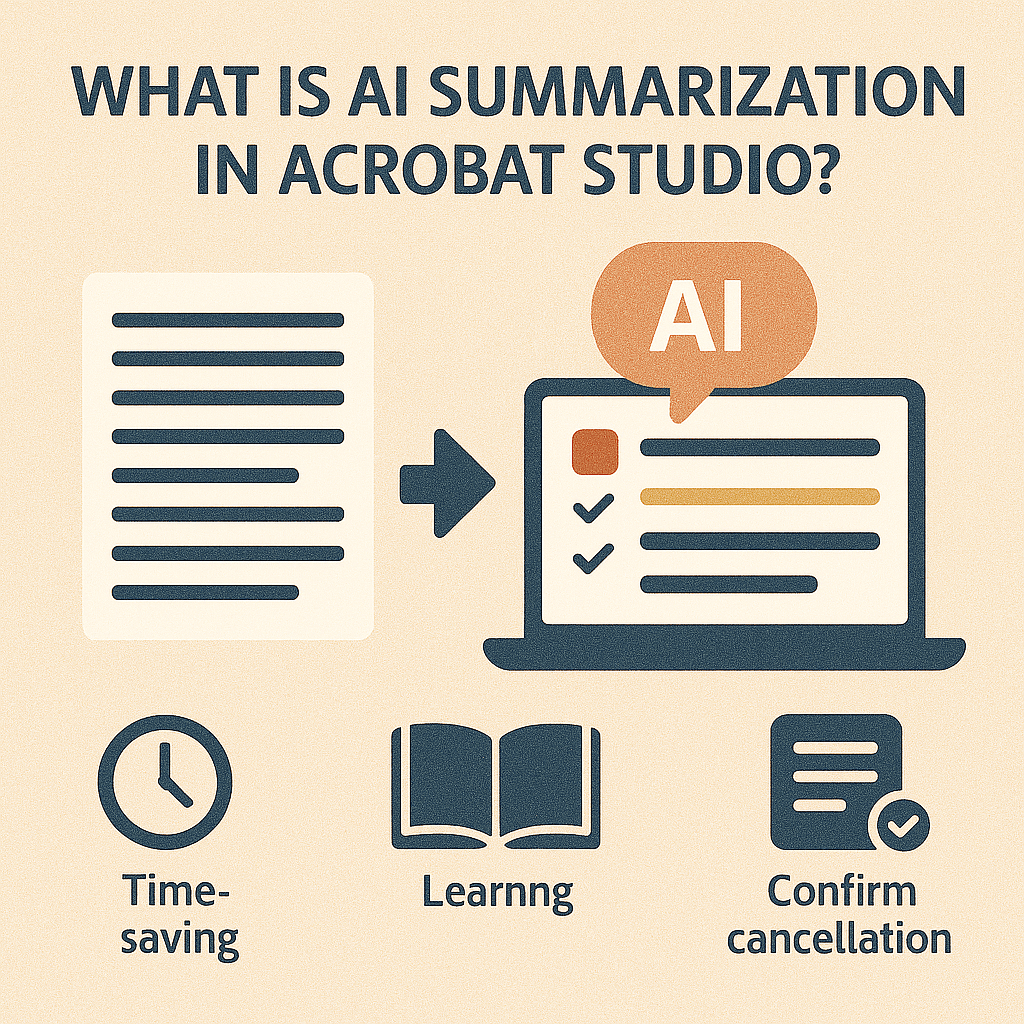 Continue reading →: What is AI Summarization in Adobe Acrobat Studio?
AI Summarization in Acrobat Studio condenses long PDFs into clear overviews—saving time, boosting understanding, and supporting smarter decisions.
-
 Continue reading →: Adobe Acrobat Studio vs Acrobat AI Assistant: What’s the Difference?
Wondering about the difference between Acrobat Studio and Acrobat AI Assistant? This guide explains how Studio is a full PDF platform, while the AI Assistant is a smart add-on for quick insights.
-
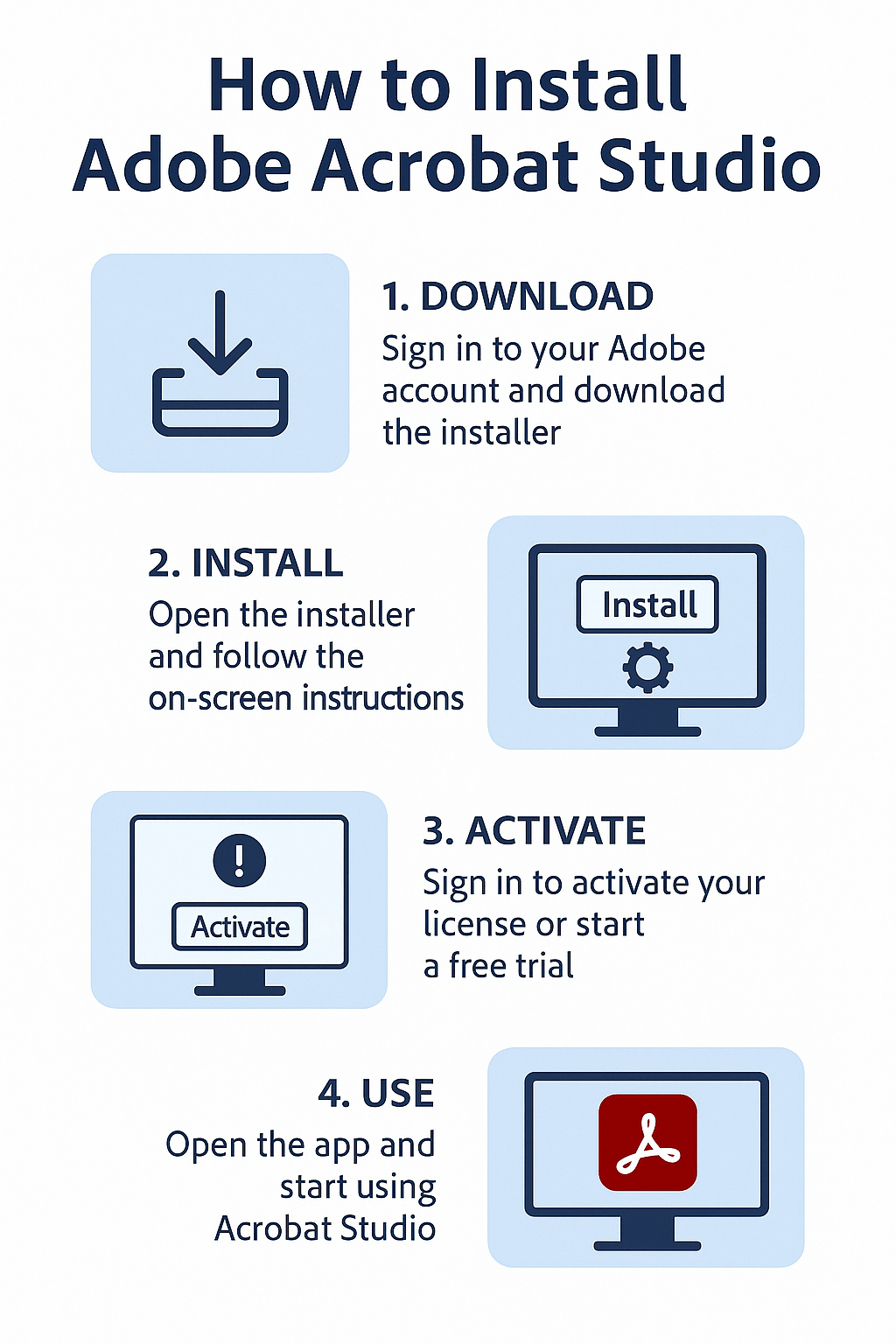 Continue reading →: How to Install Adobe Acrobat Studio?
Learn how to install Adobe Acrobat Studio step by step on Windows and macOS. This guide covers download, installation, activation, and setup for beginners.
-
 Continue reading →: How Can I Cancel My Acrobat Studio Subscription?
Need to cancel Acrobat Studio? Log into your Adobe account, go to Manage Plan, and follow the steps. Be aware of cancellation fees for yearly plans.
-
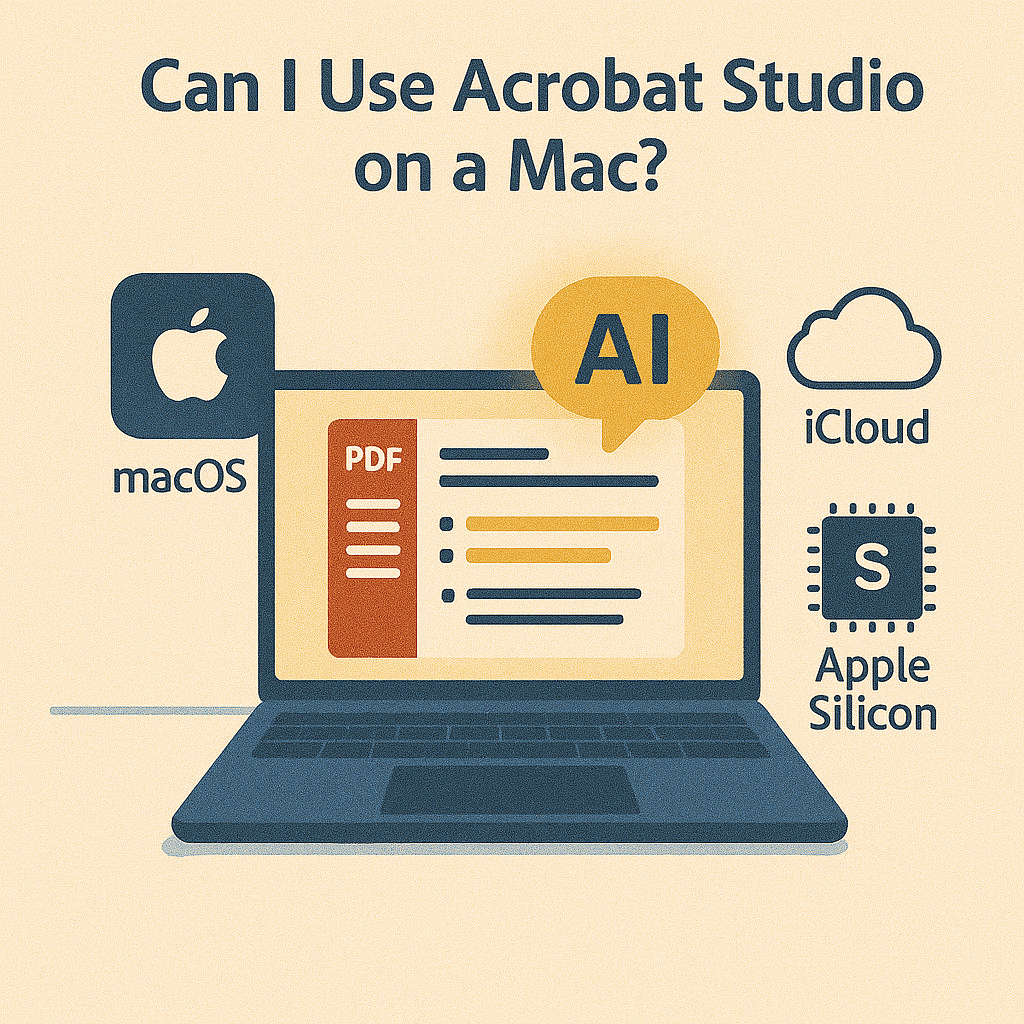 Continue reading →: Can I Use Acrobat Studio on a Mac?
Yes—Acrobat Studio works on Mac. Optimized for Apple Silicon and fully integrated with macOS, it delivers AI-powered PDF tools without compromise.
-
 Continue reading →: AI-Powered Accessibility: How Acrobat Studio Helps Every Reader
“See how Acrobat Studio’s AI tools make PDFs more accessible. Simplify text, highlight key points, and ensure every reader can engage with your documents.”
-
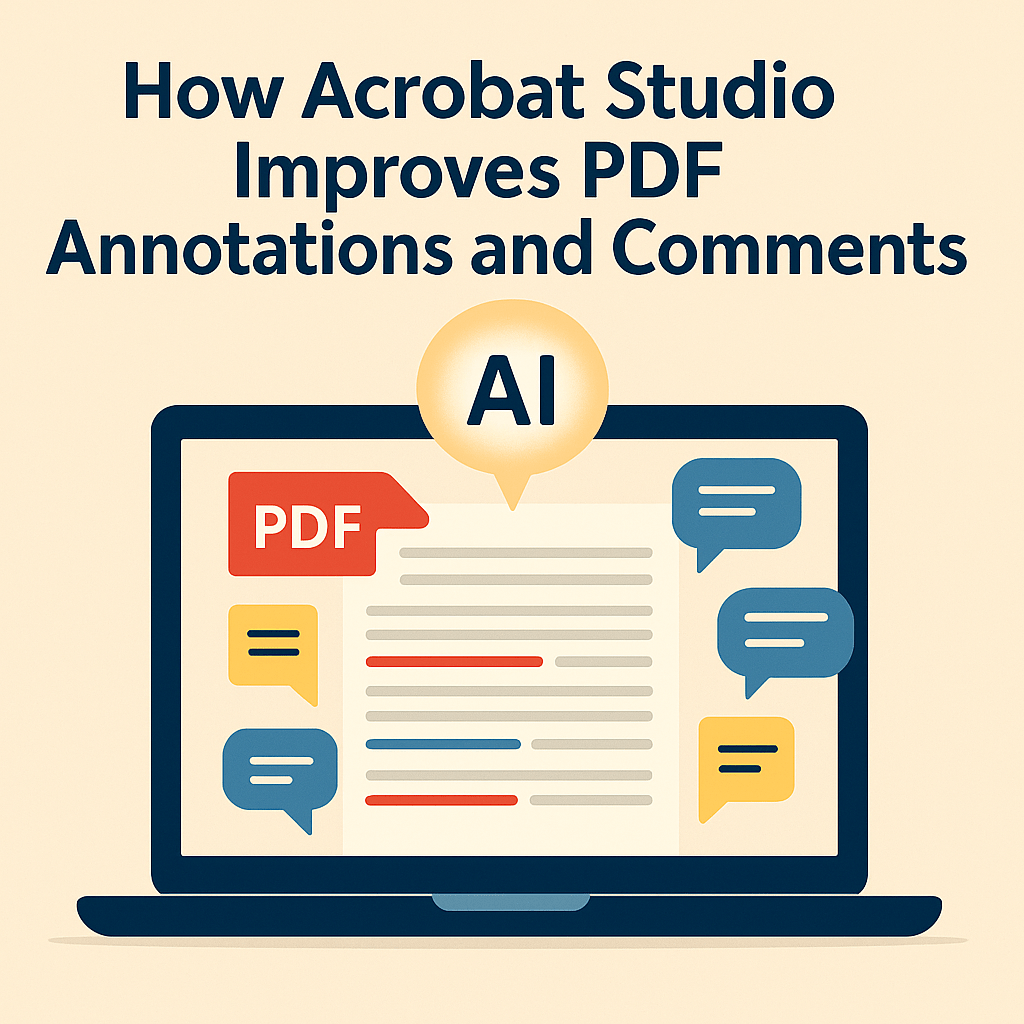 Continue reading →: How Acrobat Studio Improves PDF Annotations and Comments
Discover how Acrobat Studio transforms PDF annotations and comments into powerful collaboration tools with real-time updates, AI summaries, and seamless teamwork in PDF Spaces.
Hello,
I’m Maria

Welcome to Acrobat Studio Professionals, a dedicated space for exploring everything about Adobe Acrobat Studio. Here, you’ll find insights, guides, and resources designed to help you unlock creativity, improve productivity, and make the most of Adobe’s powerful PDF tools.
Let’s connect
Join the fun!
Stay updated with our latest tutorials and ideas by joining our newsletter.




 Acrobat Studio Pro