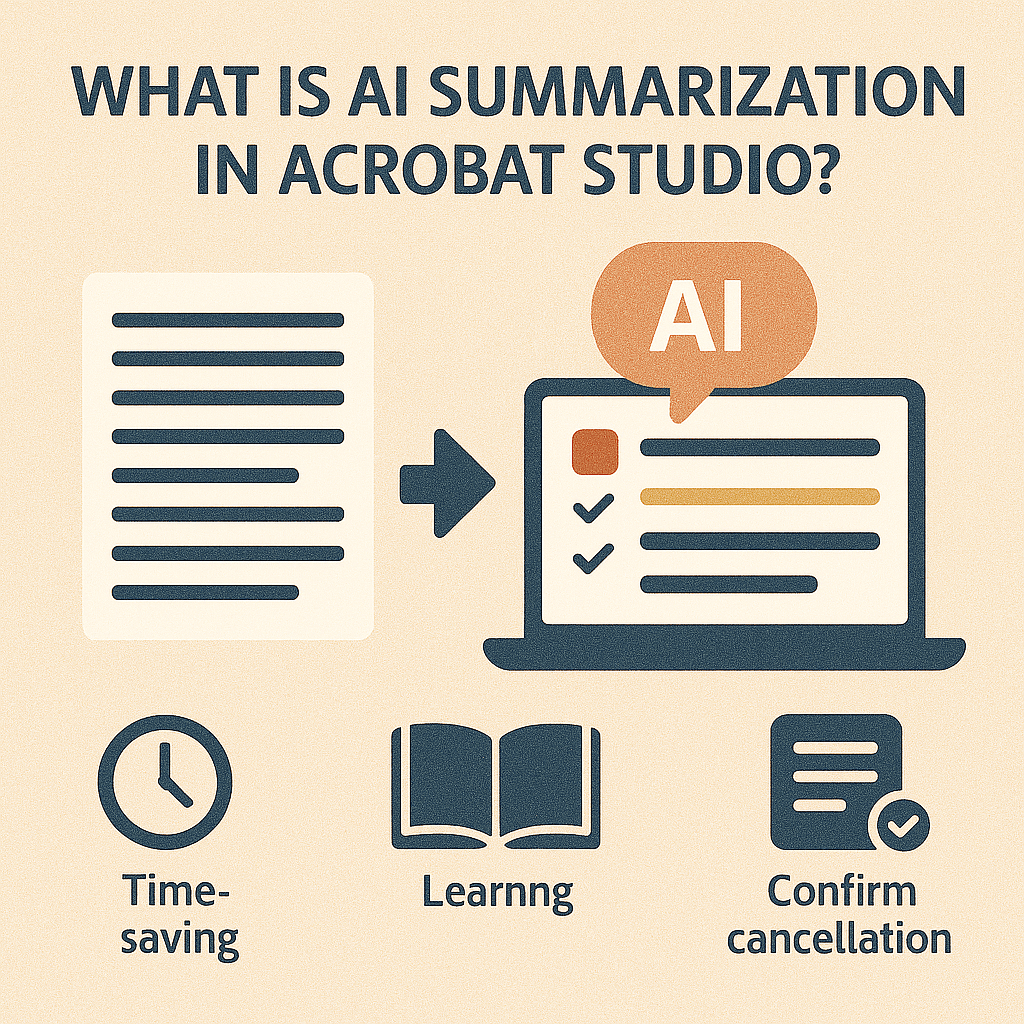
PDFs are the backbone of modern communication—reports, contracts, policies, and research papers are all shared in this format. The problem? Many PDFs are long, complex, and time-consuming to read. This is where AI Summarization in Adobe Acrobat Studio comes in.
Acrobat Studio’s AI Summarization tool uses artificial intelligence to condense lengthy PDFs into clear, concise overviews—helping you understand the essentials without reading every word.
How AI Summarization Works in Acrobat Studio
At its core, AI Summarization uses natural language processing (NLP) to analyze text within a PDF and generate a shorter version that captures the most important points.
Here’s what happens when you use it:
- Document Analysis – The AI scans the entire PDF, identifying headings, key terms, and recurring themes.
- Prioritization – It determines which sentences and sections carry the most weight (like deadlines, requirements, or conclusions).
- Condensed Output – The AI generates a summary in bullet points or short paragraphs, depending on your preference.
- Customization – Users can ask the AI to highlight specific details, such as dates, action items, or definitions.
Why AI Summarization Matters
- Saves Time
- Instead of reading 50 pages, you can get the essentials in 5 minutes.
- Improves Understanding
- Dense legal or academic documents become easier to digest.
- Boosts Productivity
- Teams can share quick summaries instead of full documents.
- Enhances Decision-Making
- Executives and managers get the highlights they need to act quickly.
Real-World Applications
- Students: Summarize textbooks or research papers for quicker studying.
- Lawyers: Extract key arguments and deadlines from case files.
- Business leaders: Review summarized reports before meetings.
- Healthcare professionals: Condense long compliance or policy documents.
- Nonprofits: Share simplified donor reports or grant guidelines with teams.
AI Summarization vs. Manual Summaries
- Manual summarization requires reading, note-taking, and interpretation.
- AI Summarization delivers instant results and can be refined by asking follow-up questions in natural language.
While human summaries may capture nuance better, AI summaries drastically reduce the time it takes to process information.
Key Takeaway
AI Summarization in Adobe Acrobat Studio is like having a research assistant inside your PDF. It doesn’t just save time—it transforms how you read and work with documents by turning long, complex PDFs into actionable insights.
Try Acrobat Studio Free
Experience AI Summarization in action. Start your free trial of Adobe Acrobat Studio and see how quickly you can make sense of your documents.




 Acrobat Studio Pro