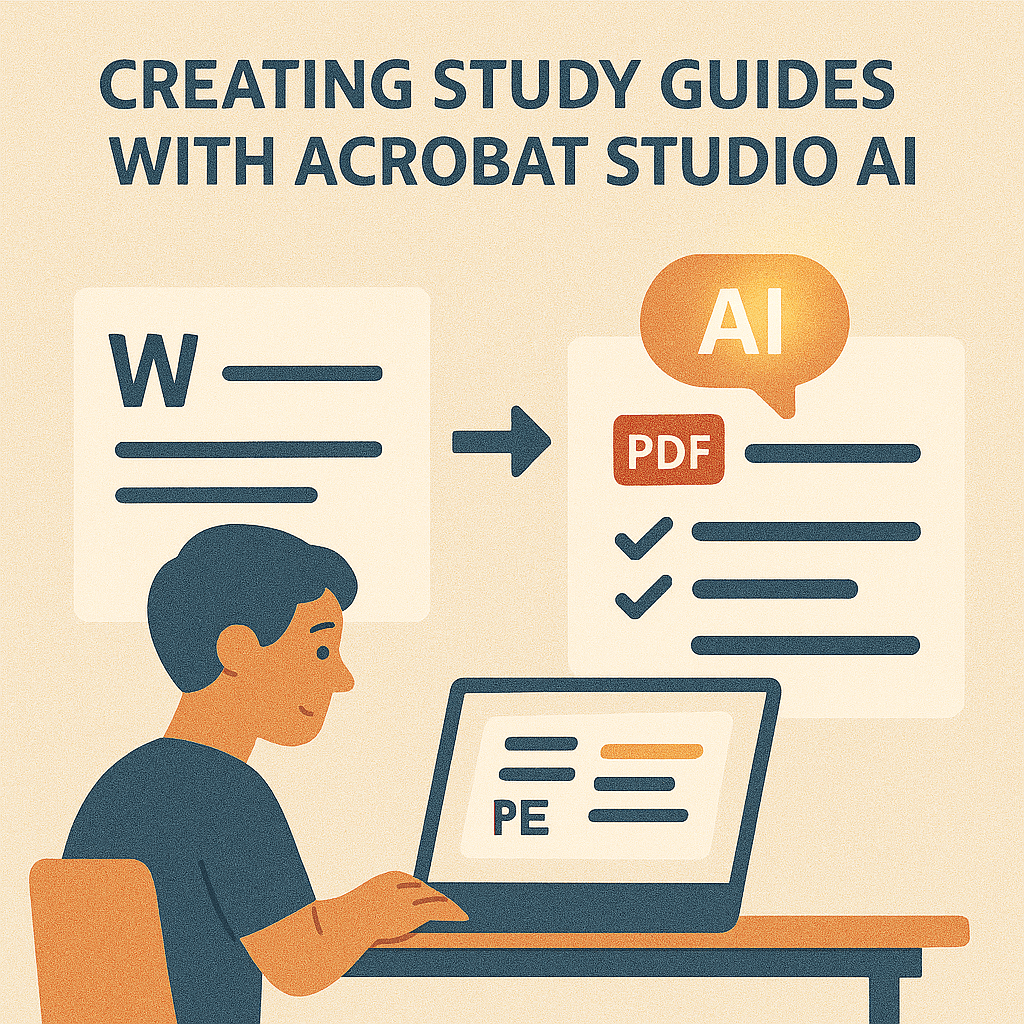
Studying is all about focus, but when you’re handed hundreds of pages of reading material, it’s easy to feel overwhelmed. Whether it’s lecture notes, research papers, or textbooks, students often struggle to distill what really matters.
With Adobe Acrobat Studio, you can turn dense PDFs into clear, concise study guides. Its AI-powered tools extract the essentials, simplify complex topics, and organize information into a format that’s easier to review.
The Challenge of Studying from PDFs
- Too much information: Important details are buried in long documents.
- Time pressure: Students rarely have time to read everything.
- Complex language: Academic texts can be jargon-heavy and confusing.
Without the right tools, preparing for exams feels like an uphill battle.
How Acrobat Studio Helps Students
- Summarize instantly – Create concise overviews of long PDFs.
- Extract key terms – Pull out names, dates, formulas, and definitions.
- Simplify complex content – Rewrite academic jargon into plain, clear language.
- Organize into checklists – Turn summaries into structured study guides.
- Collaborate in PDF Spaces – Share study guides with classmates for group learning.
Real-World Applications
- High school students: Summarize textbooks into digestible notes.
- University students: Build study guides from research-heavy readings.
- Teachers: Provide simplified learning resources to students.
- Tutors: Create custom guides for exam prep.
Why Acrobat Studio Stands Out
Unlike traditional note-taking apps, Acrobat Studio works directly with PDFs—the same format most study materials are already in. That means no conversions, no lost formatting, and no extra steps.
Key Takeaway
Studying doesn’t have to be overwhelming. Acrobat Studio transforms PDFs into ready-to-use study guides, giving students the clarity and confidence they need to succeed.
Try Acrobat Studio Free
Turn your reading lists into study guides today. Start your free trial of Adobe Acrobat Studio and make learning smarter.




 Acrobat Studio Pro