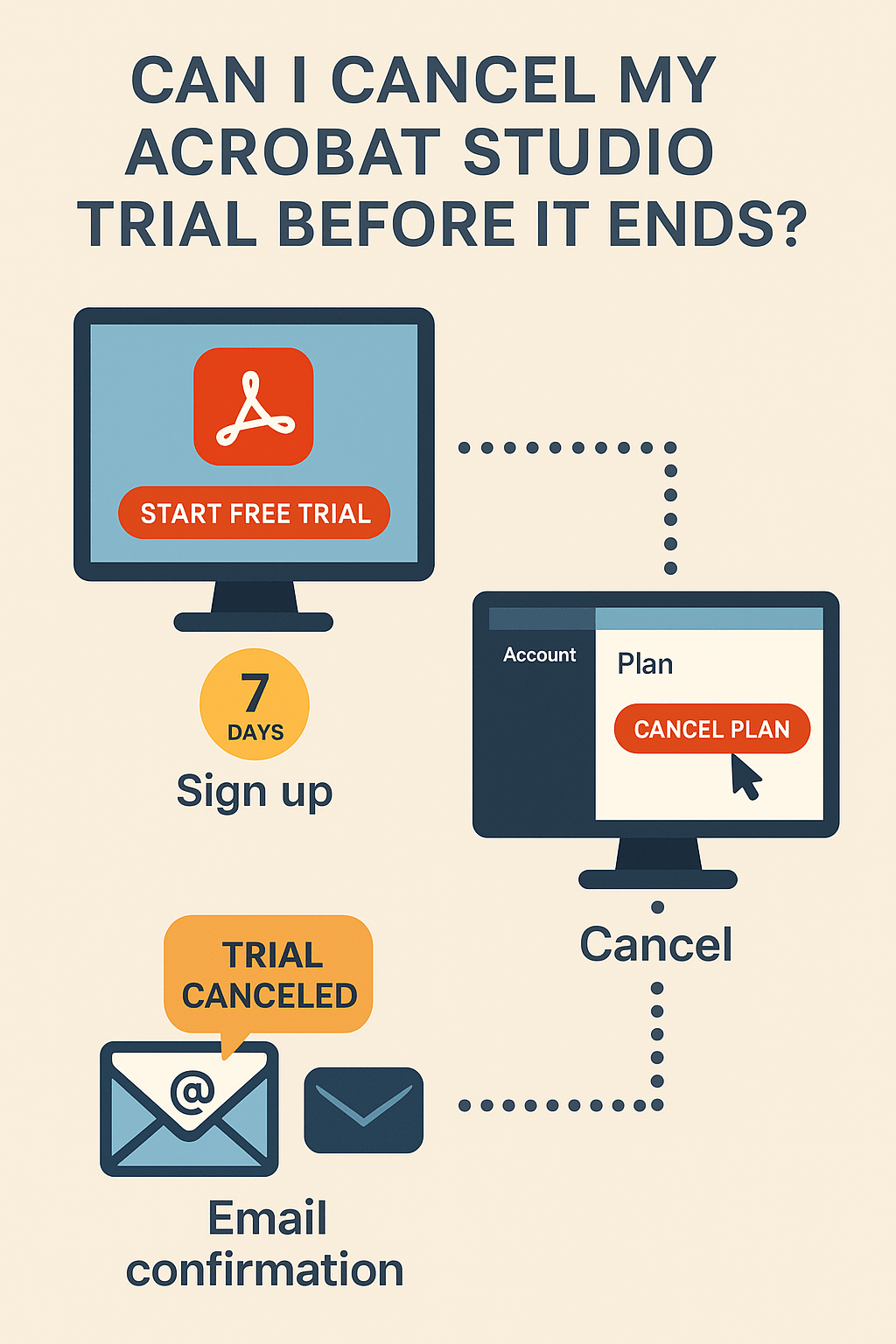
Adobe Acrobat Studio comes with a 7-day free trial, giving you full access to all features before deciding on a subscription. A common question new users ask is: “Can I cancel the trial before it ends?” The answer is yes—and doing so ensures you won’t be charged once the trial period is over. This guide explains how trial cancellation works and what you should know.
1. How the Acrobat Studio Trial Works
- The trial lasts 7 days from the moment you sign up.
- You get full access to Acrobat Studio, including AI tools, collaboration, and PDF editing features.
- You need to enter payment details at signup (credit card or PayPal).
- If you don’t cancel before the trial ends, your plan automatically converts to a paid subscription.
2. Can You Cancel Before It Ends?
Yes. You can cancel your Acrobat Studio trial at any time during the 7-day period. If you cancel before the trial ends, you will not be charged.
💡 Important: Adobe often allows you to continue using the trial until the 7 days are up, even if you cancel early.
3. How to Cancel Your Acrobat Studio Trial
Here’s the step-by-step process:
- Go to the Adobe Account page.
- Sign in with your Adobe ID.
- Under Plans, locate your Acrobat Studio trial.
- Select Manage Plan → Cancel Plan.
- Follow the on-screen instructions and confirm cancellation.
- You’ll receive an email confirmation once it’s canceled.
4. What Happens After You Cancel
- If you cancel before the trial ends, you won’t be charged.
- Your trial access may continue until the end of the 7-day period.
- After the trial, access is removed unless you subscribe.
- You can resubscribe later if you decide to return.
5. Tips Before Canceling
- Check if you want to export any files or data before the trial expires.
- Look at Adobe’s discount offers—sometimes you may see a lower first-year price if you’re unsure about canceling.
- If you only need Acrobat Studio occasionally, consider a monthly plan instead of an annual commitment.
Conclusion
Yes, you can cancel your Acrobat Studio trial at any time before it ends to avoid charges. The cancellation process is quick and easy through your Adobe account. If you’re still deciding, cancel early for peace of mind—you’ll still get access until the trial period finishes.
👉 Try Acrobat Studio today with peace of mind: Start your free 7-day trial and cancel anytime before it ends.




 Acrobat Studio Pro