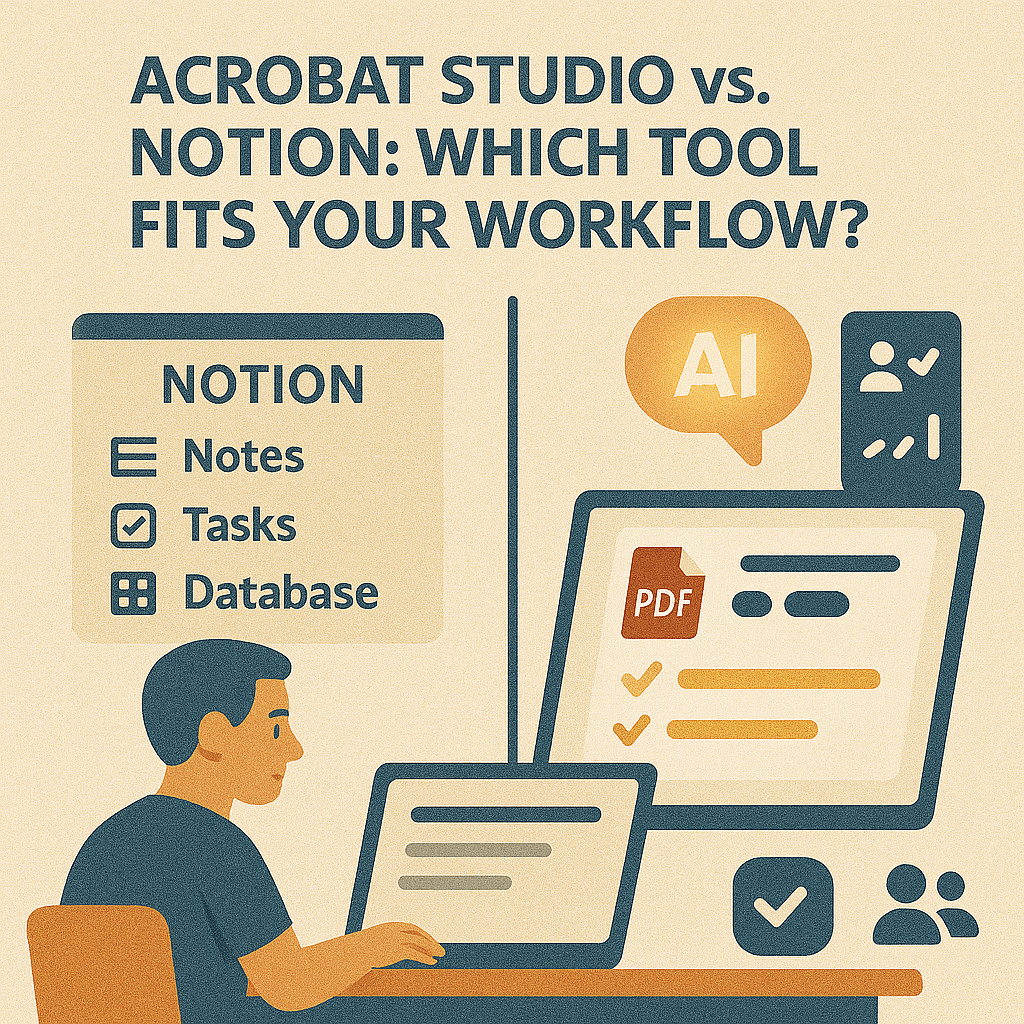
Notion has become one of the most popular productivity tools, loved for its flexibility in note-taking, task management, and knowledge organization. But when it comes to working with PDFs, Notion shows its limitations. That’s where Adobe Acrobat Studio comes in—purpose-built to make documents smarter, searchable, and collaborative.
So, which tool should you choose for your workflow?
Notion: The All-in-One Workspace
Strengths:
- Flexible for note-taking, project planning, and databases.
- Collaborative and cloud-based.
- Great for organizing knowledge and workflows.
Limitations:
- Weak PDF handling (attachments only, no editing or advanced use).
- No AI summarization for long documents.
- Limited compliance or security for sensitive files.
Acrobat Studio: Smarter PDFs for Productivity
Acrobat Studio is built specifically for document-heavy work:
- AI Summarization – Instantly condense research papers or reports.
- Simplify Complex Text – Make legal and technical PDFs accessible.
- Extract Action Items – Pull deadlines and obligations from contracts.
- PDF Spaces – Enable secure, real-time document collaboration.
- Accessibility Tools – Ensure compliance with ADA and WCAG standards.
Side-by-Side Comparison
| Feature | Notion | Acrobat Studio |
|---|---|---|
| Note-taking & databases | ✅ | ❌ |
| Task management | ✅ | ❌ |
| PDF handling | ❌ (basic) | ✅ |
| AI document tools | ❌ | ✅ |
| Secure collaboration | Limited | ✅ (PDF Spaces) |
| Accessibility features | ❌ | ✅ |
When to Use Each
- Use Notion: For project planning, note-taking, and organizing tasks.
- Use Acrobat Studio: For reviewing, summarizing, securing, and collaborating on PDFs.
Together, they can complement each other—Notion organizes your work, while Acrobat Studio powers your documents.
Key Takeaway
Notion shines as a flexible workspace, but Acrobat Studio is unmatched when it comes to making PDFs smarter and actionable. The best choice depends on whether your focus is tasks—or documents.
Try Acrobat Studio Free
Power your document workflows today. Start your free trial of Adobe Acrobat Studio and discover the smarter way to work with PDFs.




 Acrobat Studio Pro