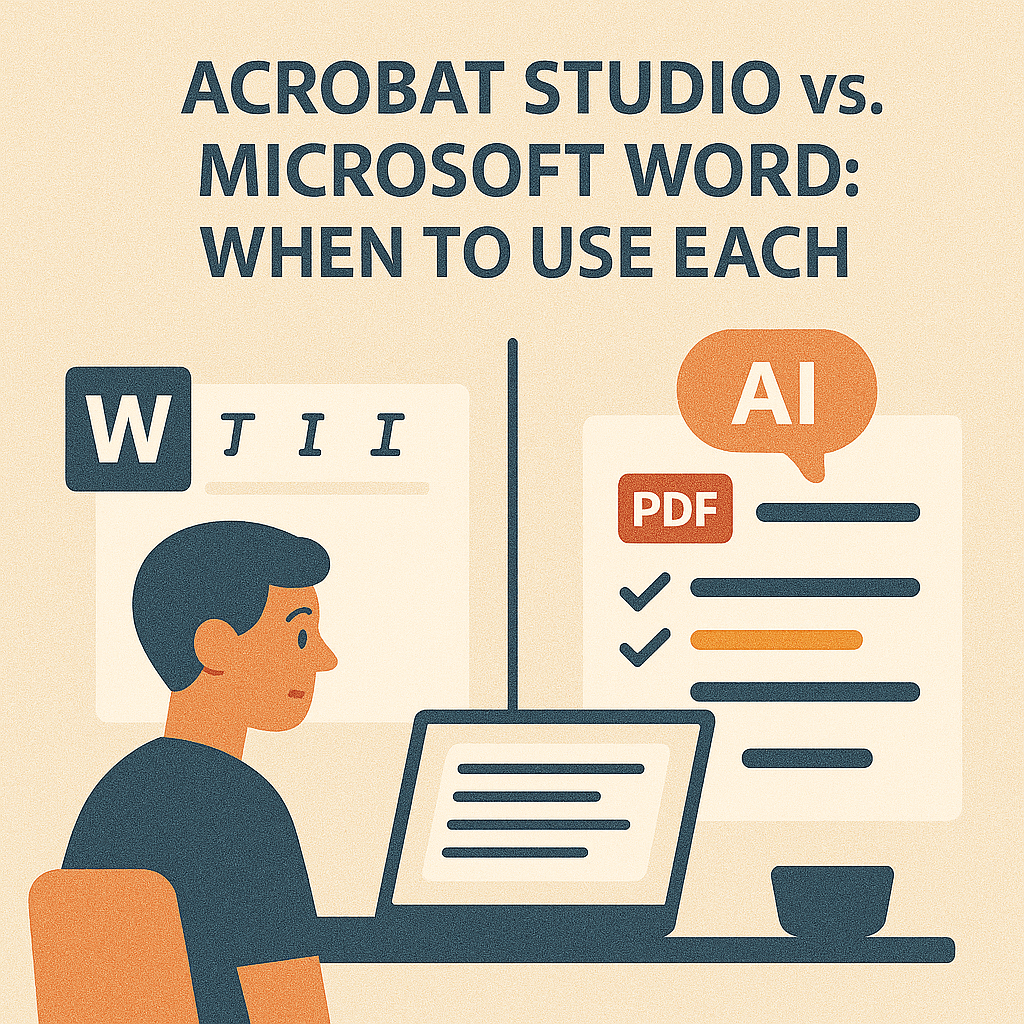
Microsoft Word is one of the most widely used tools in the world for creating documents. It’s perfect for drafting, formatting, and editing text. But when it comes to sharing, securing, and collaborating across different devices, Word isn’t always the best choice. That’s where Adobe Acrobat Studio comes in.
So, when should you stick with Word, and when should you switch to Acrobat Studio?
Microsoft Word: Strengths and Limitations
Strengths:
- Best-in-class document creation and editing
- Flexible formatting tools for text-heavy content
- Widely used and compatible with most workplaces
Limitations:
- Formatting often breaks when shared across devices
- Limited collaboration beyond tracked changes
- Not designed for secure, final documents
- Struggles with accessibility compliance for all users
Acrobat Studio: The PDF Advantage
Acrobat Studio isn’t a replacement for Word—it’s the next step after creation. Once your content is ready, Acrobat Studio makes it smarter and more shareable:
- AI Summarization – Instantly condense long documents.
- Simplify Complex Text – Translate jargon into plain language.
- Extract Deadlines & Action Items – Pull out what matters most.
- Collaborative PDF Spaces – Share one version with real-time annotations.
- Enterprise Security – Redact sensitive data and control permissions.
Side-by-Side Comparison
| Feature | Microsoft Word | Acrobat Studio |
|---|---|---|
| Drafting and editing | ✅ | ❌ |
| Advanced formatting | ✅ | ❌ |
| Final document sharing | ❌ | ✅ |
| AI-powered tools | ❌ | ✅ |
| Secure redaction | ❌ | ✅ |
| Accessibility tools | Limited | Advanced |
When to Use Each
- Use Word: When drafting, editing, or formatting new content.
- Use Acrobat Studio: When sharing, securing, and collaborating on the final version.
Together, they create a seamless workflow—Word for creation, Acrobat Studio for distribution and intelligence.
Key Takeaway
Word is great for writing, but Acrobat Studio makes documents smarter, secure, and collaborative. Together, they cover the full document lifecycle.
Try Acrobat Studio Free
Don’t stop at Word. Start your free trial of Adobe Acrobat Studio and discover how it transforms your finished documents.




 Acrobat Studio Pro