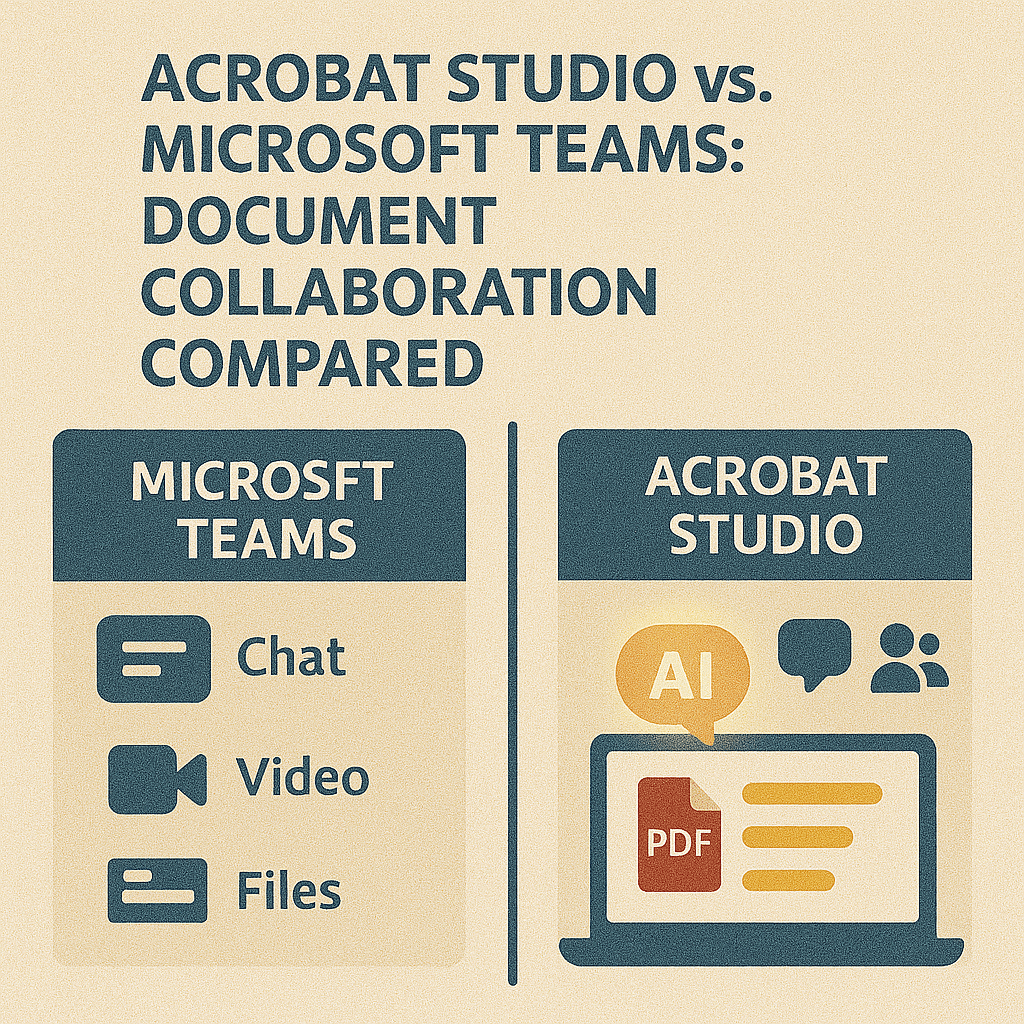
Microsoft Teams has become the go-to hub for workplace communication and collaboration. It’s great for meetings, chat, and file sharing. But when it comes to working inside documents, Teams often falls short—especially for PDFs. That’s where Adobe Acrobat Studio fills the gap.
Microsoft Teams: Strengths and Limitations
Strengths:
- Real-time communication with chat and video.
- Easy file sharing within channels.
- Integration with Microsoft 365 tools.
Limitations:
- Limited PDF collaboration beyond sharing.
- Formatting and document fidelity issues when opening non-native files.
- No AI features for summarization, simplification, or extraction.
Acrobat Studio: Collaboration Designed for PDFs
Acrobat Studio takes collaboration further by embedding intelligence into the document itself:
- PDF Spaces – Real-time collaboration within a single PDF.
- AI Summarization – Turn lengthy reports into concise overviews.
- Extract Action Items – Automatically identify tasks and deadlines.
- Smart Annotations – Highlight key areas with AI-driven suggestions.
- Accessibility Tools – Ensure inclusivity across all collaborators.
Side-by-Side Comparison
| Feature | Microsoft Teams | Acrobat Studio |
|---|---|---|
| Real-time communication | ✅ | ❌ |
| File sharing | ✅ | ✅ |
| PDF collaboration | ❌ | ✅ (PDF Spaces) |
| AI-powered features | ❌ | ✅ |
| Accessibility tools | ❌ | ✅ |
| Document fidelity | Limited | ✅ |
When to Use Each
- Use Teams: For communication, meetings, and cross-tool integrations.
- Use Acrobat Studio: For deep, document-focused collaboration and smarter PDF workflows.
Together, they can complement each other: Teams for communication, Acrobat Studio for intelligent document handling.
Key Takeaway
Microsoft Teams connects people, but Acrobat Studio connects documents. For organizations that rely heavily on PDFs, combining the two creates a complete collaboration solution.
Try Acrobat Studio Free
Take collaboration to the next level. Start your free trial of Adobe Acrobat Studio and experience smarter PDF teamwork.




 Acrobat Studio Pro