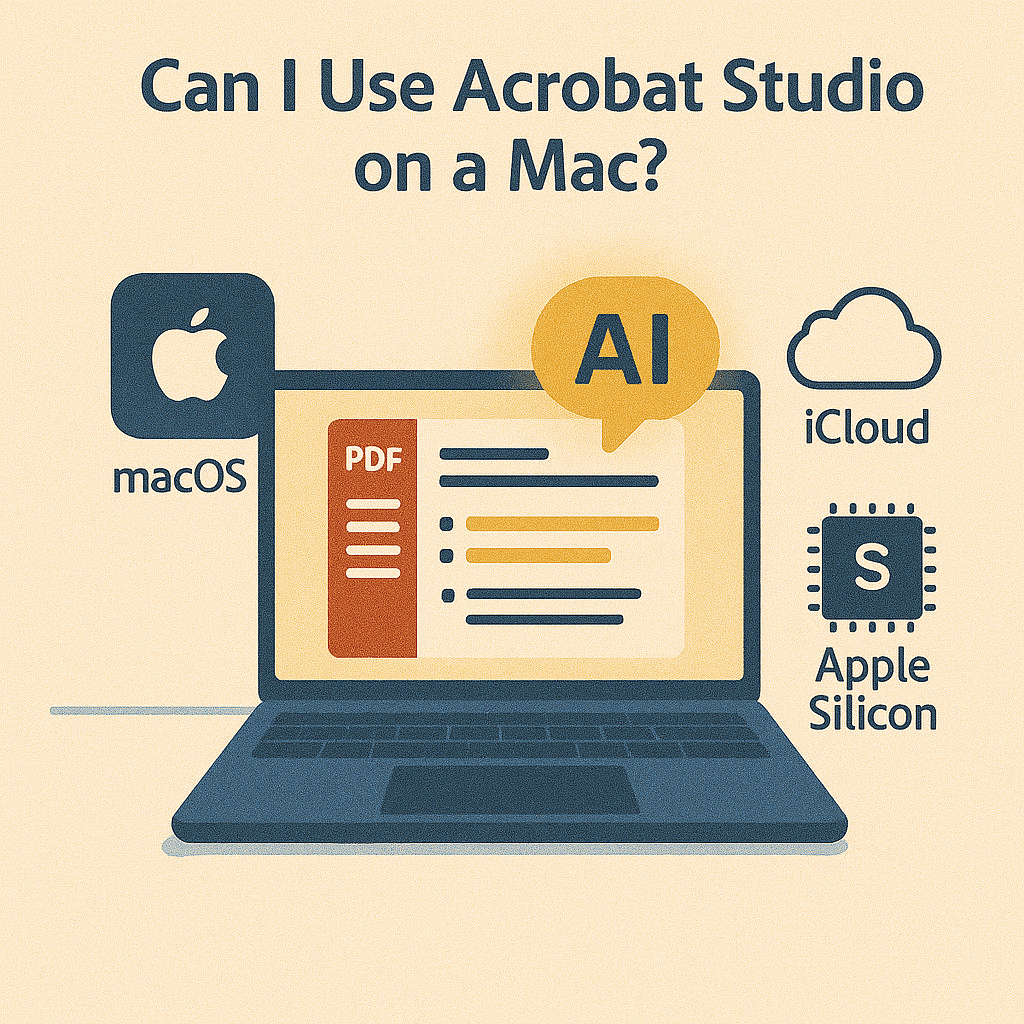
If you’re a Mac user, you may be wondering whether Adobe Acrobat Studio is compatible with macOS. With so many productivity tools being optimized for Windows first, it’s a fair concern. The good news is: yes, Acrobat Studio works seamlessly on a Mac—and in some cases, the macOS experience is even better.
Acrobat Studio on macOS: Full Compatibility
Adobe has long supported macOS with its Creative Cloud apps, and Acrobat Studio is no exception. Whether you’re using a MacBook, iMac, or Mac Studio, the app integrates smoothly with macOS, offering the same AI-powered features available on Windows.
Core features you’ll get on Mac include:
- AI Summarization – Quickly condense lengthy PDFs into clear, actionable insights.
- Smart Redaction – Automatically remove sensitive details from documents.
- PDF Spaces – Collaborate on shared PDFs with colleagues in real time.
- Simplify Text – Translate jargon-heavy reports into plain language.
- Accessibility Tools – Ensure compliance with accessibility standards like WCAG.
Performance on Apple Silicon (M1/M2/M3)
Acrobat Studio is fully optimized for Apple Silicon processors, meaning faster performance, smoother multitasking, and lower battery drain compared to older Intel-based Macs.
For professionals dealing with large PDFs—legal contracts, financial reports, or research papers—this optimization translates into real productivity gains.
Benefits of Using Acrobat Studio on a Mac
- Native Integration with macOS
- Works seamlessly with Finder, Quick Look, and Spotlight search.
- PDFs can be previewed, opened, and edited directly from macOS tools.
- iCloud and Cloud Storage
- Save documents directly to iCloud Drive, Dropbox, or Creative Cloud.
- Syncs automatically across your Mac, iPad, and iPhone.
- Touch and Gesture Support
- MacBook trackpad gestures make annotating and highlighting smooth.
- External devices like iPad Sidecar can enhance the experience.
- Security and Compliance
- macOS security features complement Acrobat Studio’s encryption and redaction tools.
What Works Differently on Mac
While most features are identical across platforms, some enterprise integrations (e.g., Windows-only document management systems) may not be available on macOS. For most users, however, this won’t be a limitation.
Ideal Use Cases for Mac Users
- Designers: Collaborating on PDFs within the broader Adobe Creative Cloud ecosystem.
- Students: Summarizing and annotating lecture PDFs directly on MacBooks.
- Business professionals: Reviewing contracts, agreements, and reports on the go.
- Researchers: Extracting data from lengthy studies without slowing down.
Key Takeaway
Yes, you can absolutely use Acrobat Studio on a Mac. With Apple Silicon optimization, seamless macOS integration, and full access to AI-powered tools, Mac users enjoy the same robust experience as Windows users.
Try Acrobat Studio Free
See how Acrobat Studio fits into your Mac workflow. Start your free trial of Adobe Acrobat Studio today and make your PDFs smarter.




 Acrobat Studio Pro