Adobe Acrobat Studio has quickly become the go-to tool for smarter PDF workflows. With features like AI-powered summarization, smart redaction, and collaborative PDF Spaces, it’s an essential platform for businesses, students, and professionals.
But before you dive in, you’ll need to decide how to pay for Acrobat Studio: monthly or yearly. At first glance, the difference might seem minor, but the right choice can save you money—or give you needed flexibility.
Acrobat Studio Pricing Overview
Adobe offers two main payment options for Acrobat Studio:
- Monthly Subscription – Pay each month with the ability to cancel anytime.
- Yearly Subscription (Paid Annually) – Commit to a year upfront at a discounted rate.
While prices vary slightly depending on region, Adobe follows a clear pattern:
- Monthly plans cost more per month but offer flexibility.
- Yearly plans cost less per month but require a full-year commitment.
Cost Comparison
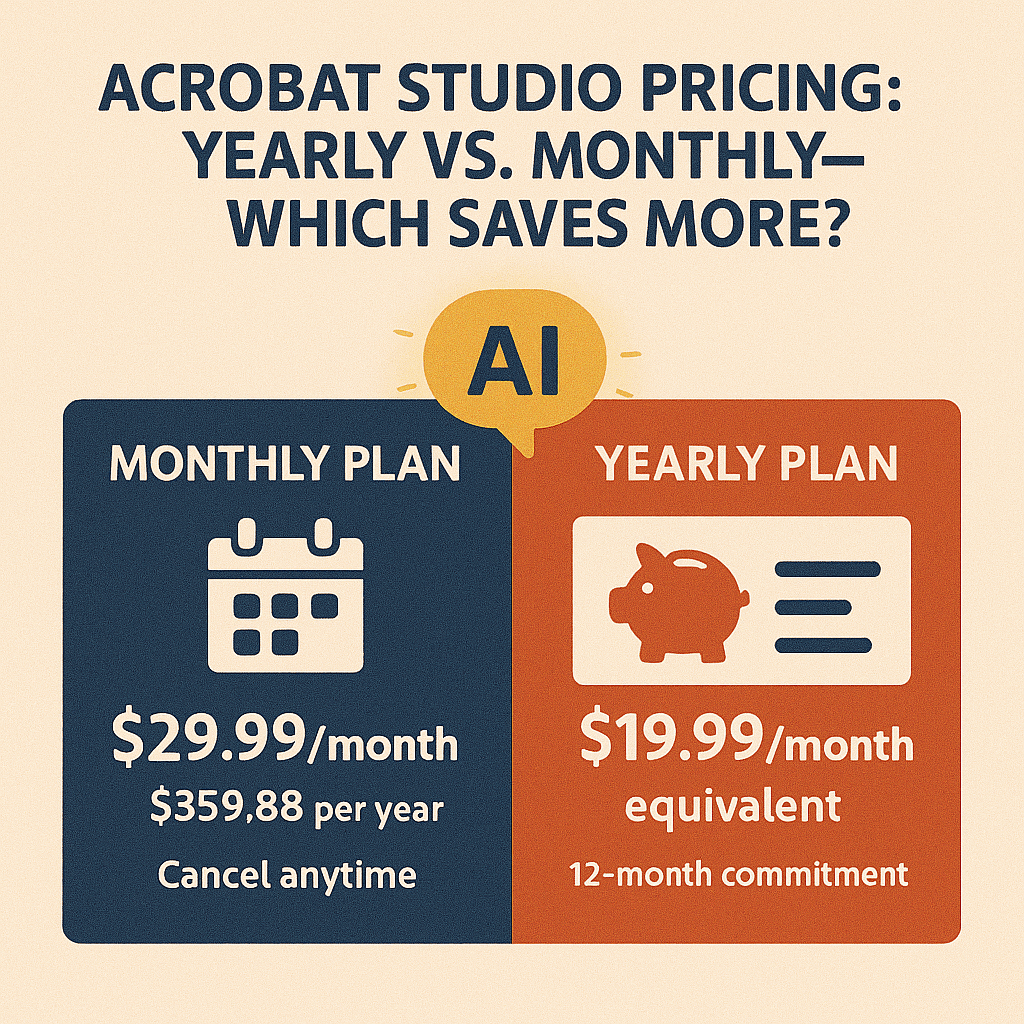
Here’s an example breakdown (based on Adobe’s typical subscription structure for Acrobat):
| Plan | Monthly Cost | Total Annual Cost | Commitment |
|---|---|---|---|
| Monthly | $29.99 | $359.88 | Cancel anytime |
| Yearly (paid annually) | $239.88 | $239.88 | 12 months upfront |
| Yearly (paid monthly) | $19.99 | $239.88 | 12-month contract |
💡 On average, choosing yearly saves around $120 compared to paying monthly—roughly a 33% discount.
When to Choose a Monthly Plan
A monthly plan may be the right fit if:
- You only need Acrobat Studio for a short-term project.
- Your organization wants to test the software before committing.
- Flexibility is more important than long-term savings.
Example: A nonprofit preparing a one-time grant report may find the monthly plan more practical.
When to Choose a Yearly Plan
A yearly plan makes more sense if:
- You know you’ll use Acrobat Studio regularly.
- Your team wants predictable costs and long-term savings.
- You manage recurring workflows like compliance, contracts, or student learning.
Example: A legal firm reviewing case files daily will save significantly by committing to a yearly plan.
Beyond Price: Features Remain the Same
It’s worth noting that features don’t change between monthly and yearly plans. Whether you pay monthly or annually, you get:
- AI-powered summaries and simplification.
- Smart redaction and security.
- PDF Spaces for collaboration.
- Accessibility and compliance tools.
The difference is purely in how you pay.
Key Takeaway
- Monthly plan = flexibility but higher annual cost.
- Yearly plan = lower cost, but requires a commitment.
If you plan to use Acrobat Studio consistently, the yearly plan delivers the best value. But if your needs are short-term or seasonal, the monthly plan offers a low-risk way to get started.
Try Acrobat Studio Free
Not sure which plan is right for you? Start with a trial and see how it fits into your workflow. Start your free trial of Adobe Acrobat Studio and explore smarter PDFs today.




 Acrobat Studio Pro