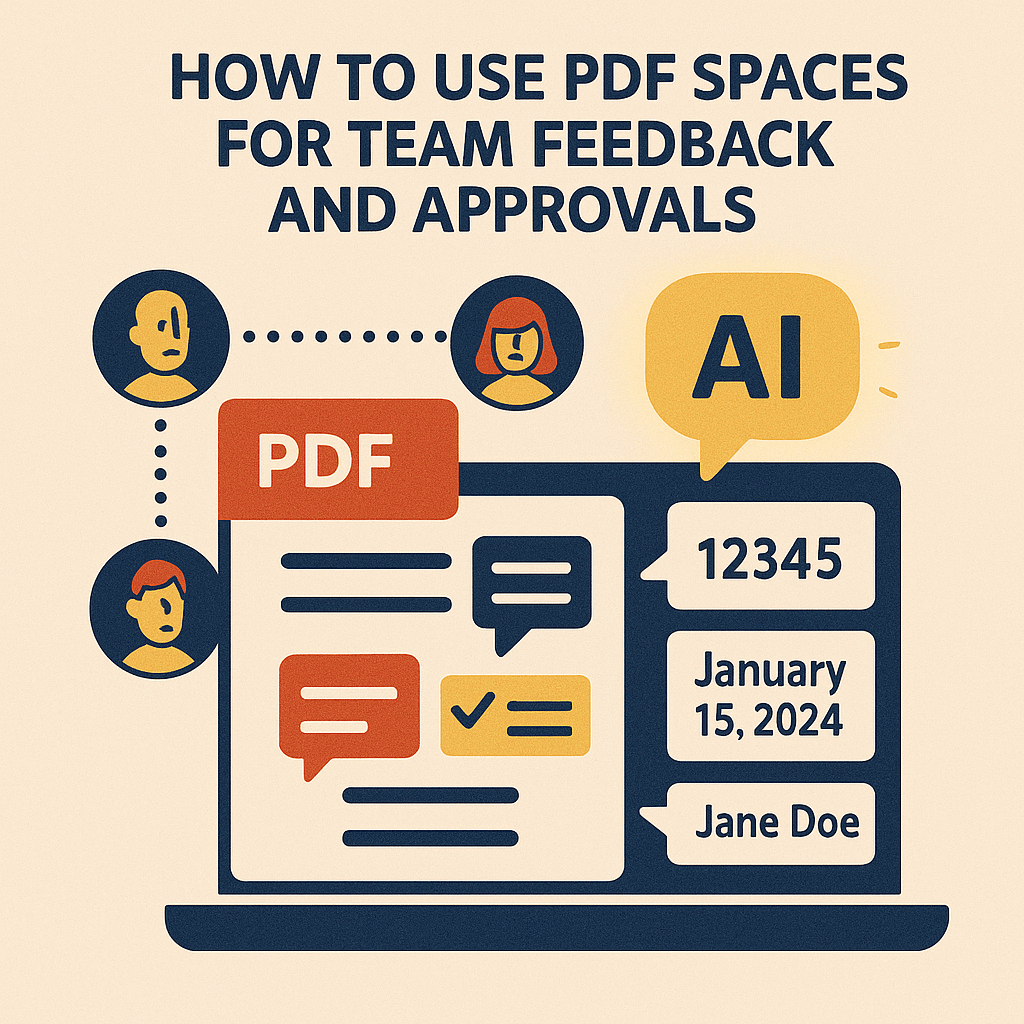
Managing feedback on documents can be a nightmare. One person leaves comments in email, another makes edits in Word, and someone else shares a completely different PDF version. The result? Confusion, wasted time, and missed deadlines.
With Adobe Acrobat Studio’s PDF Spaces, collaboration is centralized. Instead of juggling endless versions, teams can share one secure, interactive PDF and collect all feedback in one place.
Why Traditional Feedback Fails
- Version chaos – Multiple file versions make it hard to track the latest changes.
- Scattered feedback – Comments live in email threads, Slack messages, or separate docs.
- Missed context – Stakeholders may not see the full picture when feedback is fragmented.
This makes collaboration frustrating and slows down approvals.
How PDF Spaces Fix the Problem
Acrobat Studio’s PDF Spaces provide a shared workspace where the document itself becomes the collaboration hub:
- Single source of truth – Everyone works in one shared version of the PDF.
- Real-time comments – Annotations and feedback appear instantly.
- AI-powered insights – Summaries and extracted highlights can be shared with the team.
- Controlled permissions – Decide who can view, comment, or edit.
Real-World Examples
- Marketing teams: Review and approve campaign assets without losing track.
- Legal teams: Centralize feedback on contracts and agreements.
- Education: Teachers and students share annotated lecture notes.
- Nonprofits: Collaborate on donor reports or grant applications with transparency.
Why Acrobat Studio Stands Out
Other collaboration tools may support feedback, but Acrobat Studio keeps it within the PDF environment. That means no broken formatting, no lost context, and no extra steps.
Key Takeaway
Feedback and approvals shouldn’t be messy. With PDF Spaces, Acrobat Studio makes collaboration simple, organized, and efficient—turning PDFs into living documents instead of static files.
Try Acrobat Studio Free
Streamline your feedback and approval process. Start your free trial of Adobe Acrobat Studio and experience the power of PDF Spaces today.




 Acrobat Studio Pro