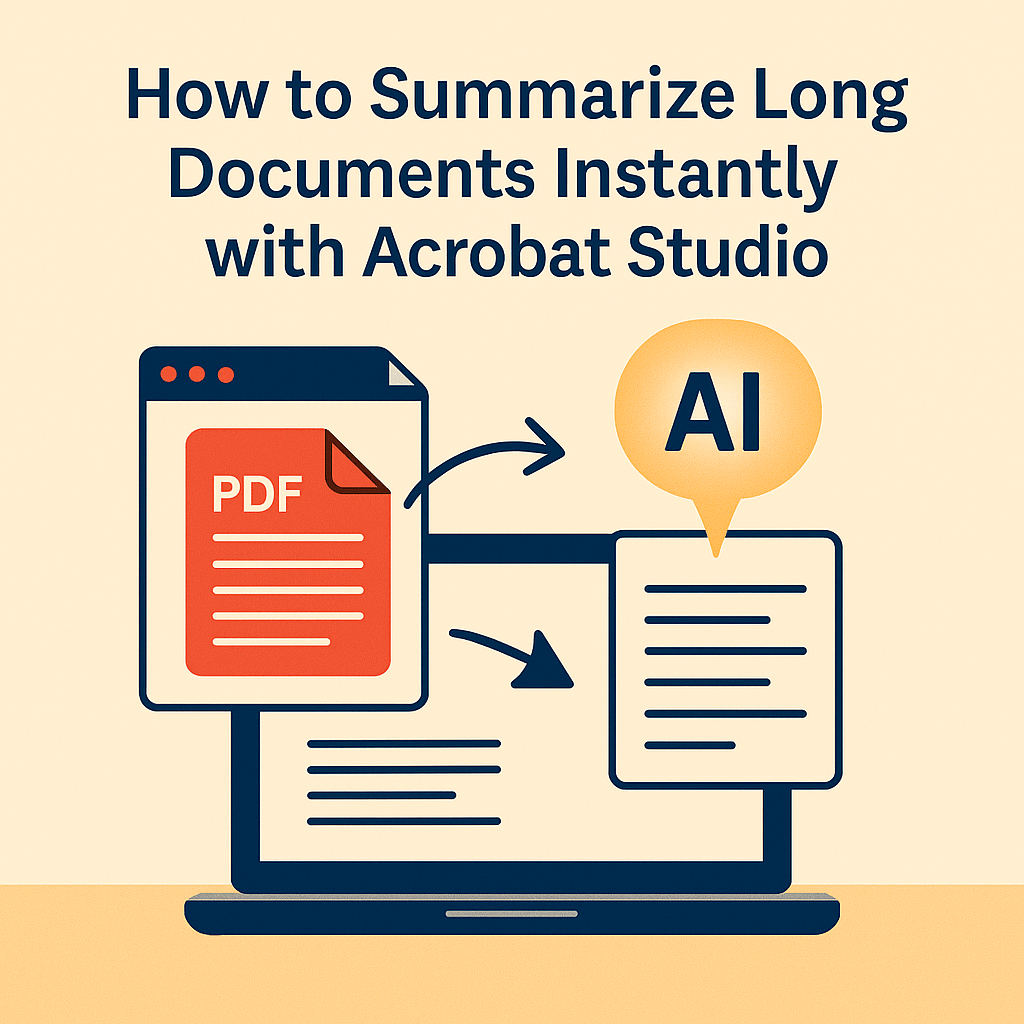
Reading through a 100-page report or a dense research paper can feel overwhelming. Even if you’re skilled at scanning for key points, you risk missing critical details hidden in the fine print. That’s where Adobe Acrobat Studio steps in, using built-in AI to turn hours of reading into minutes of insight.
Why Summarization Matters
In today’s fast-paced world, time is your scarcest resource. Students, professionals, and teams alike are drowning in information overload. Traditional PDFs preserve content, but they don’t make it easy to digest it. Summarization bridges that gap by highlighting the key takeaways instantly.
Acrobat Studio’s AI Summarization Features
Acrobat Studio transforms long documents into clear, usable summaries with just a few clicks:
- One-click document summary – Get the main ideas in seconds.
- Section-by-section breakdowns – Summarize specific chapters or topics instead of the whole file.
- Custom summaries – Ask the AI for a bulleted list, executive overview, or simplified explanation.
- Shareable insights – Summaries can be added to PDF Spaces so entire teams stay aligned.
Real-World Examples
- Students: Summarize research papers to prepare for exams.
- Project managers: Get quick overviews of reports before meetings.
- Lawyers: Extract case highlights without reading entire briefs.
- Nonprofits: Turn lengthy grant guidelines into clear checklists.
Why Acrobat Studio Stands Out
Unlike third-party tools, Acrobat Studio keeps summarization inside the document itself. That means no copy-pasting into external apps, no broken formatting, and no security risks. Everything stays within the trusted PDF environment.
Key Takeaway
Long documents no longer need to slow you down. With Acrobat Studio’s AI summarization, you can understand, share, and act on information faster than ever.
Try Acrobat Studio Free
Stop wasting hours on endless reading. Start your free trial of Adobe Acrobat Studio today and experience the power of instant AI summaries.




 Acrobat Studio Pro