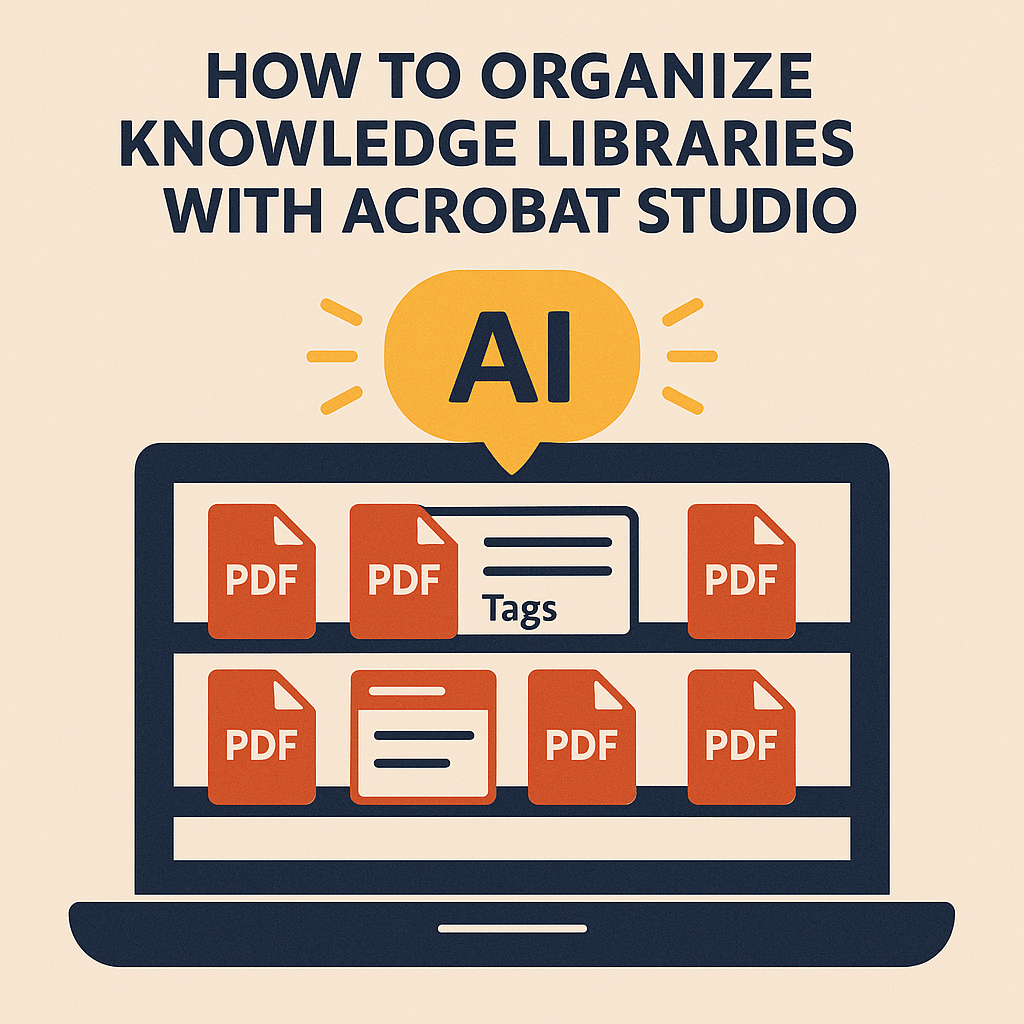
Organizations, schools, and nonprofits generate massive amounts of knowledge every day—reports, training guides, case studies, and research. But without a system to organize these documents, valuable insights get lost in digital clutter.
With Adobe Acrobat Studio, knowledge libraries become structured, searchable, and collaborative. Instead of endless folders and forgotten files, you get a smarter way to manage information.
The Problem with Knowledge Libraries
- Too many PDFs: Important documents are buried across systems.
- No easy search: Traditional storage makes finding insights slow.
- Version chaos: Multiple copies create confusion.
- Underused knowledge: Employees or students don’t know what’s available.
A disorganized library isn’t just frustrating—it wastes time and reduces productivity.
How Acrobat Studio Organizes Knowledge
- AI Summarization – Generate summaries of reports for quick previews.
- Tagging and Metadata – Make documents easier to categorize and search.
- Simplify Content – Convert dense material into digestible overviews.
- Collaborative PDF Spaces – Share and review documents in real time.
- Extract Key Data – Pull important figures or insights into reusable formats.
Real-World Applications
- Universities: Create searchable research archives for students.
- Businesses: Maintain organized libraries of case studies and policies.
- Nonprofits: Manage donor reports, grant applications, and training guides.
- Government: Build accessible repositories of public information.
Why Acrobat Studio Stands Out
Unlike basic cloud storage, Acrobat Studio adds intelligence to your library. Documents don’t just sit—they become interactive, searchable, and actionable.
Key Takeaway
Knowledge is only valuable when it’s accessible. Acrobat Studio ensures your libraries are organized, searchable, and usable—helping teams make the most of their collective insights.
Try Acrobat Studio Free
Turn your document chaos into clarity. Start your free trial of Adobe Acrobat Studio and build smarter knowledge libraries today.




 Acrobat Studio Pro