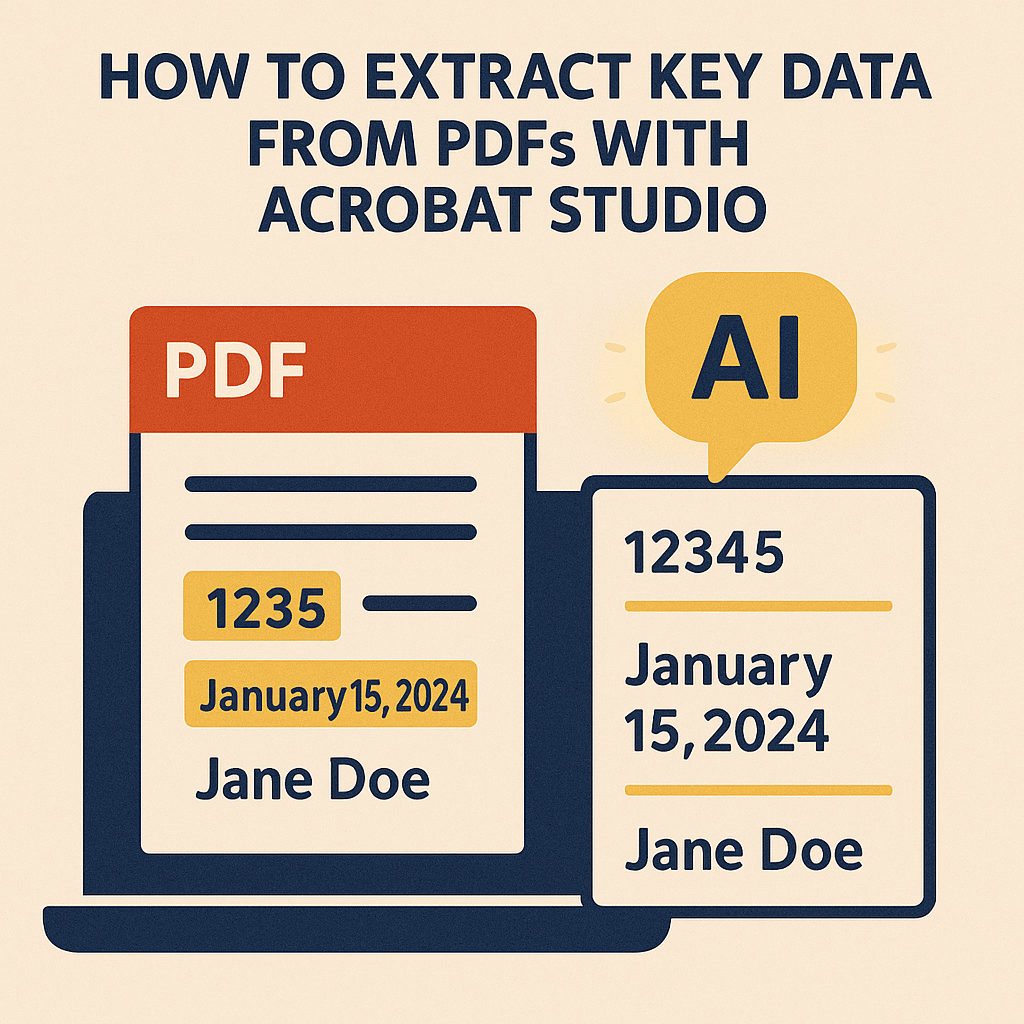
Buried inside PDFs are the details that matter most—deadlines, numbers, client names, or action items. But finding them usually means hours of scrolling, highlighting, and copy-pasting.
Adobe Acrobat Studio changes the game with AI-powered data extraction, letting you pull out exactly what you need from any PDF in seconds.
The Problem with Manual Data Extraction
- Time-consuming: Manually searching through documents wastes valuable hours.
- Error-prone: Important figures and deadlines are easy to miss.
- Inefficient: Data often needs to be reformatted before it can be used.
For professionals, students, and nonprofits alike, manual extraction slows down productivity.
How Acrobat Studio Extracts Data Smarter
With built-in AI, Acrobat Studio can:
- Identify key elements – Automatically recognize dates, names, amounts, or other patterns.
- Create summaries – Condense long documents into bullet lists of key facts.
- Export insights – Copy data into structured formats you can reuse.
- Collaborate in PDF Spaces – Share extracted information with teams instantly.
Real-World Applications
- Finance teams: Extract figures from reports for budgeting.
- Legal professionals: Pull out deadlines and clauses from contracts.
- Researchers: Capture key statistics from academic studies.
- Nonprofits: Highlight grant requirements without missing details.
Why Acrobat Studio Stands Out
Unlike external tools, Acrobat Studio keeps all data extraction inside the PDF environment—ensuring accuracy, security, and consistency.
Key Takeaway
You don’t need to spend hours digging through PDFs. With Acrobat Studio, key data is identified, extracted, and organized in seconds—so you can focus on decisions, not document hunting.
Try Acrobat Studio Free
Make your PDFs work harder. Start your free trial of Adobe Acrobat Studio and experience AI-powered data extraction.




 Acrobat Studio Pro