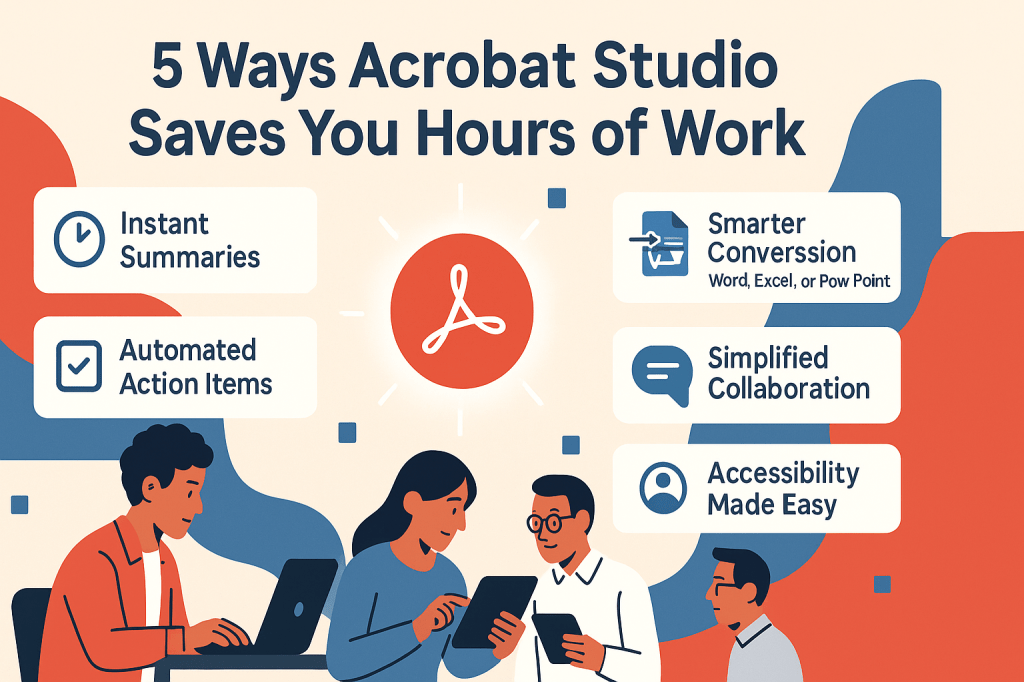
When deadlines are tight, every minute counts. Adobe Acrobat Studio is built to help you work faster with documents by combining AI-powered features with classic PDF tools. Instead of spending hours on repetitive tasks, you can finish them in minutes.
Here are five ways Acrobat Studio saves you valuable time.
1. Instant Summaries
Stop reading 50-page reports line by line. Acrobat Studio’s AI Assistant can generate summaries in seconds, giving you the key takeaways immediately.
2. Smarter Conversions
Converting PDFs to Word, Excel, or PowerPoint used to mean broken formatting and endless fixes. With AI-driven conversion, layouts, fonts, and images stay intact.
3. Automated Action Items
Instead of manually highlighting tasks in meeting notes, Acrobat Studio identifies action items and organizes them into lists you can share or track.
4. Simplified Collaboration
No more lost email attachments. Share a secure link, comment in real time, and ensure everyone works from the same document — all within Acrobat Studio.
5. Accessibility Made Easy
Manually simplifying complex text for accessibility is time-consuming. Acrobat Studio can rephrase documents instantly, ensuring clarity for every reader.
✅ Final Thoughts
From students to enterprises, Acrobat Studio’s AI tools cut through tedious document work. By automating tasks, it frees you up to focus on what really matters.
🔗 Try Acrobat Studio Today
Want to save hours on your next project? Start using Adobe Acrobat Studio here and experience faster, smarter workflows.




 Acrobat Studio Pro