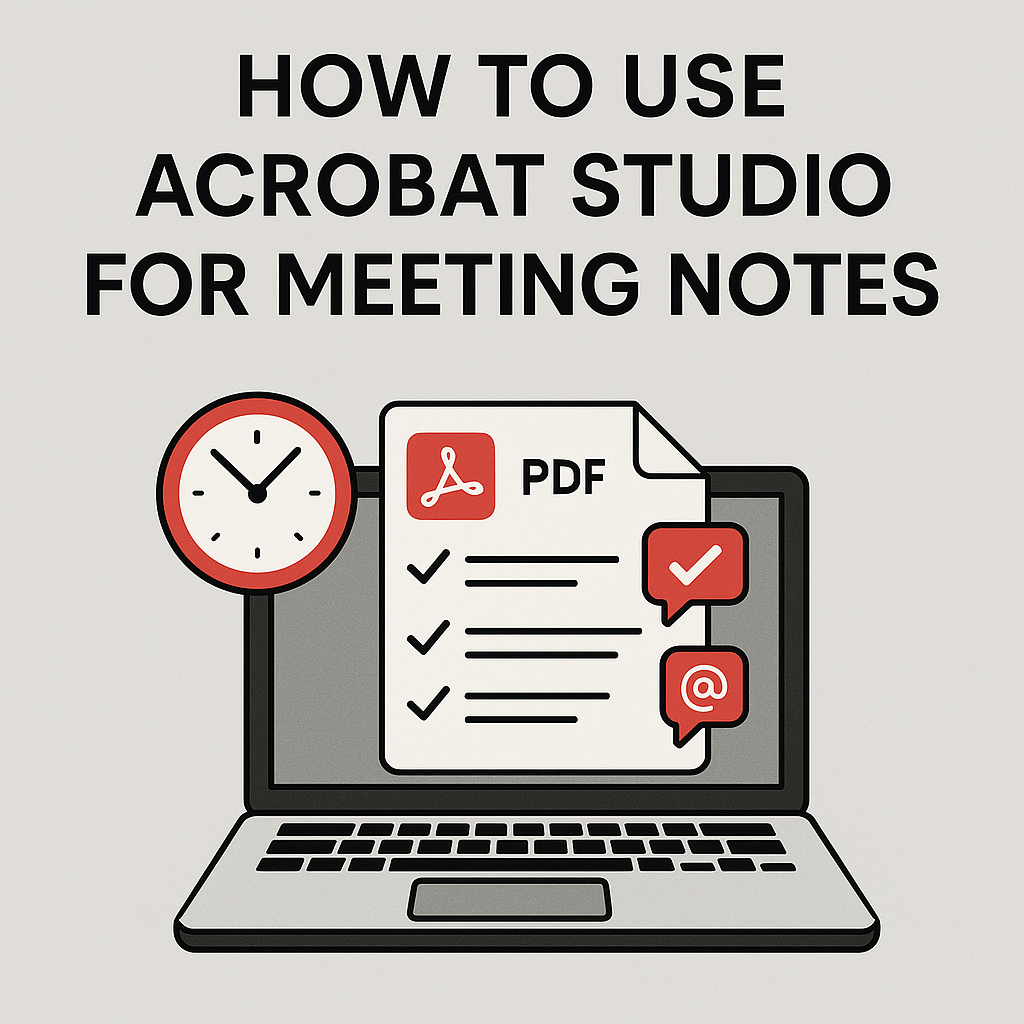
Meetings are full of decisions, deadlines, and action items — but keeping track of everything can be a challenge. With Adobe Acrobat Studio, you can transform meeting notes and minutes into organized, actionable documents using AI-powered tools.
Here’s how Acrobat Studio helps you manage meeting notes effectively.
📌 Import Meeting Notes
Upload your meeting notes as a PDF, whether they’re typed summaries, scanned notes, or automatically generated transcripts.
📌 Summarize the Discussion
The AI Assistant can create:
- Bullet-point highlights of key topics.
- A concise summary of decisions made.
- Separate lists of important updates and outcomes.
📌 Extract Action Items
Acrobat Studio identifies and organizes:
- Deadlines
- Assigned responsibilities
- Follow-up tasks
You can copy these directly into your project management tool.
📌 Simplify for Distribution
Not every stakeholder needs all the details. Acrobat Studio can simplify meeting notes into clear, easy-to-read summaries for quick sharing.
📌 Collaborate on Notes
Share the meeting document with teammates so they can:
- Add comments or clarifications.
- Resolve or confirm action items.
- Access the notes across desktop, tablet, or mobile.
✅ Why This Helps
- Managers ensure no tasks are forgotten.
- Teams stay aligned with decisions.
- Students can summarize and share group meeting notes.
✅ Final Thoughts
Acrobat Studio turns meeting notes from a passive record into an actionable document. Summarize, simplify, and share to keep your team moving forward.
🔗 Try Acrobat Studio Today
Want to manage your meeting notes better? Start with Adobe Acrobat Studio here and turn notes into action.




 Acrobat Studio Pro