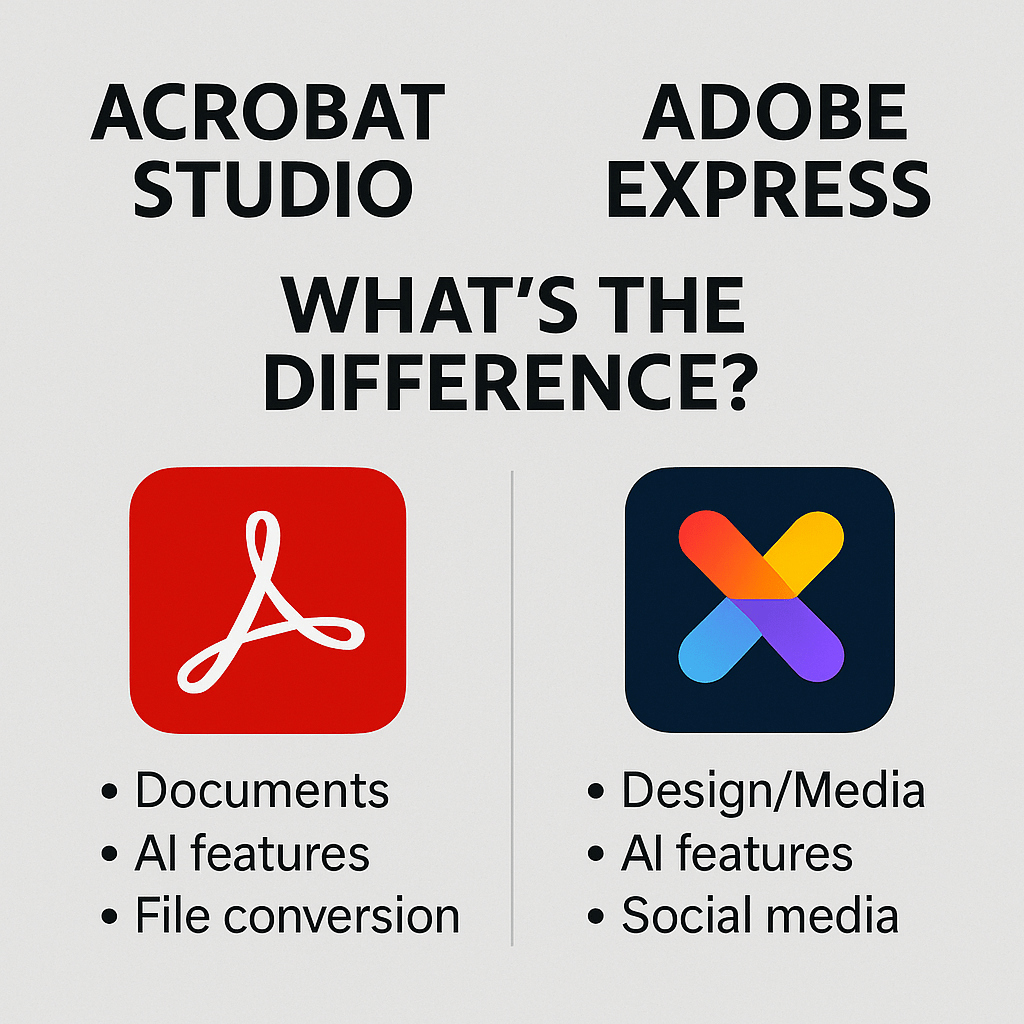
Adobe has been expanding its ecosystem with tools designed to make both documents and designs smarter. Two of its most popular AI-driven apps are Acrobat Studio and Adobe Express. While they may look similar at first glance, they solve completely different problems.
Here’s a breakdown of how they differ and why you might need one — or both.
📌 Acrobat Studio: AI for Documents
Acrobat Studio focuses on PDFs and documents, transforming static files into intelligent workspaces. With it, you can:
- Summarize long reports into quick overviews.
- Ask questions directly to your PDFs.
- Extract deadlines, action items, and obligations.
- Redact sensitive information securely.
- Convert PDFs into Word, Excel, or PowerPoint.
- Collaborate with teammates in shared PDF Spaces.
It’s built for students, businesses, and professionals who work with documents daily.
📌 Adobe Express: AI for Creativity
Adobe Express is designed for visual storytelling. It helps you create and publish content quickly with templates and AI tools. With it, you can:
- Design flyers, brochures, and posters.
- Create engaging social media posts.
- Edit images and short videos.
- Use AI-powered text-to-image and design generation.
- Access thousands of templates and Adobe Stock assets.
It’s ideal for marketers, educators, and creators who need fast, professional visuals.
📊 Key Differences at a Glance
| Feature | Acrobat Studio | Adobe Express |
|---|---|---|
| Focus | Documents | Design/Media |
| Best for | PDFs, contracts, reports | Flyers, posts, presentations |
| AI features | Summarize, simplify, extract tasks | Design generation, templates |
| File conversion | ✅ Yes | ❌ No |
| Social media publishing | ❌ No | ✅ Yes |
| Collaboration | ✅ PDF Spaces | ✅ Shared projects |
📌 Why Adobe Offers Both
- Acrobat Studio ensures your document workflows are fast, smart, and secure.
- Adobe Express helps you tell stories visually with ease.
Together, they cover the two most common productivity needs: documents and designs.
✅ Final Thoughts
Acrobat Studio and Adobe Express are different tools with different strengths. One is your AI-powered document hub, while the other is your visual design assistant. Used together, they can cover almost every content need you have.
🔗 Try Acrobat Studio and Adobe Express Today
Want to explore both tools? Get Adobe Acrobat Studio here and use Adobe Express for quick, professional design projects.




 Acrobat Studio Pro