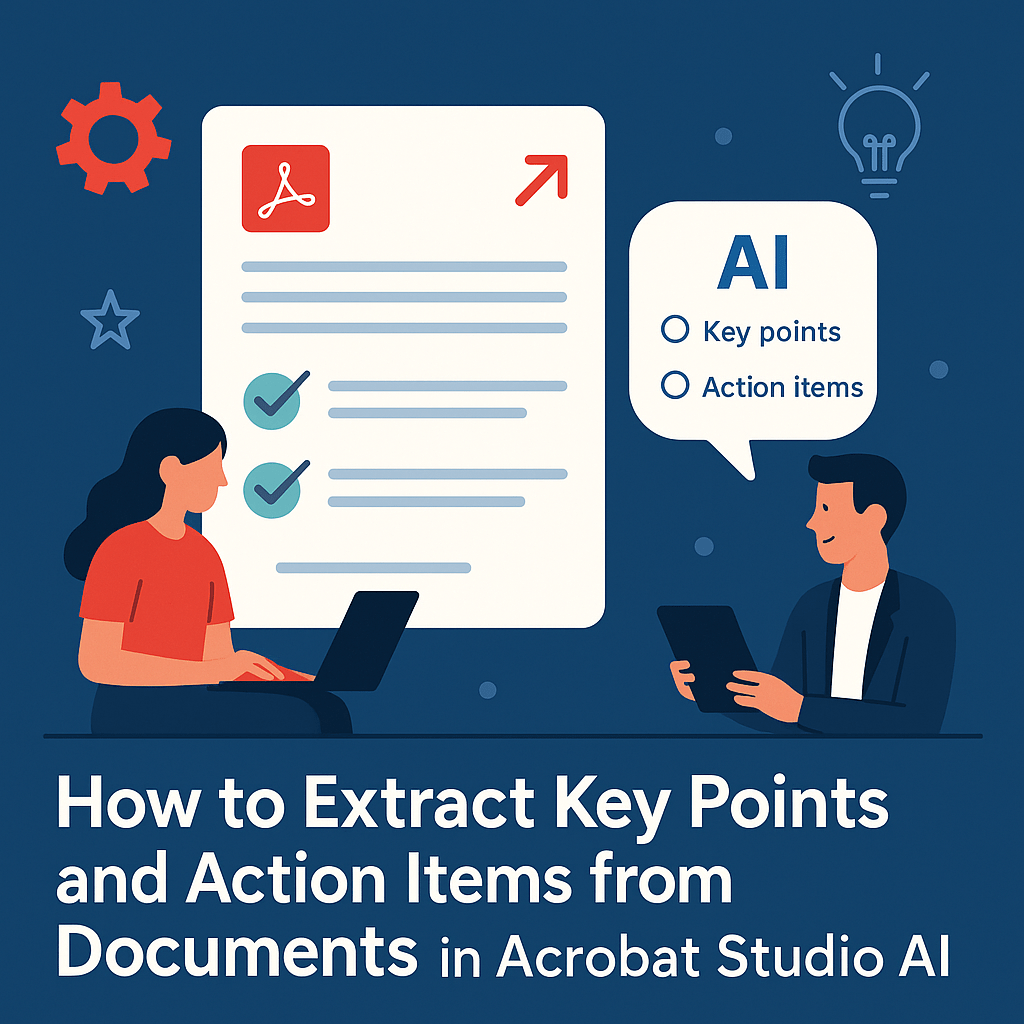
Meetings, contracts, and reports often contain hidden gems — critical decisions, deadlines, or tasks that need follow-up. Instead of manually scanning through dozens of pages, Adobe Acrobat Studio uses AI to automatically extract key points and action items from any PDF.
Here’s how you can do it step by step.
📌 Step 1: Open Your PDF in Acrobat Studio
Upload your file from your computer or open one directly from cloud storage like Adobe Cloud, Dropbox, or Google Drive.
📌 Step 2: Use the AI Assistant
Open the AI Assistant panel and ask:
- “Extract key points from this document.”
- “Highlight all action items with deadlines.”
- “List the decisions made in this meeting report.”
Within seconds, Acrobat Studio provides a clean summary of highlights.
📌 Step 3: Refine Your Extraction
Tailor the results by giving AI more instructions:
- Limit it to certain pages or sections.
- Request output in bullet points or a checklist.
- Ask for deadlines, responsibilities, or tasks only.
📌 Step 4: Save and Share
Once extracted, you can:
- Copy key points into meeting notes.
- Export a checklist for project management tools.
- Share action items directly with your team in Acrobat Studio.
✅ Why It Matters
- Project managers save hours identifying tasks.
- Legal teams quickly extract contract obligations.
- Students highlight only exam-relevant details from study material.
✅ Final Thoughts
With Acrobat Studio, your PDFs become more than static documents — they become actionable insights. Extracting key points and action items takes minutes, not hours.
🔗 Try Acrobat Studio Today
Want to put this into practice? Get Adobe Acrobat Studio here and start turning documents into decisions.




 Acrobat Studio Pro